
October 13, 2026 · 8 min read
Free vs Paid QR Menus: What a Small Restaurant Needs
Compare free and paid QR menus with three restaurant examples, current iMango prices, capacity limits, yearly costs, and what happens after a downgrade.
iMango Team
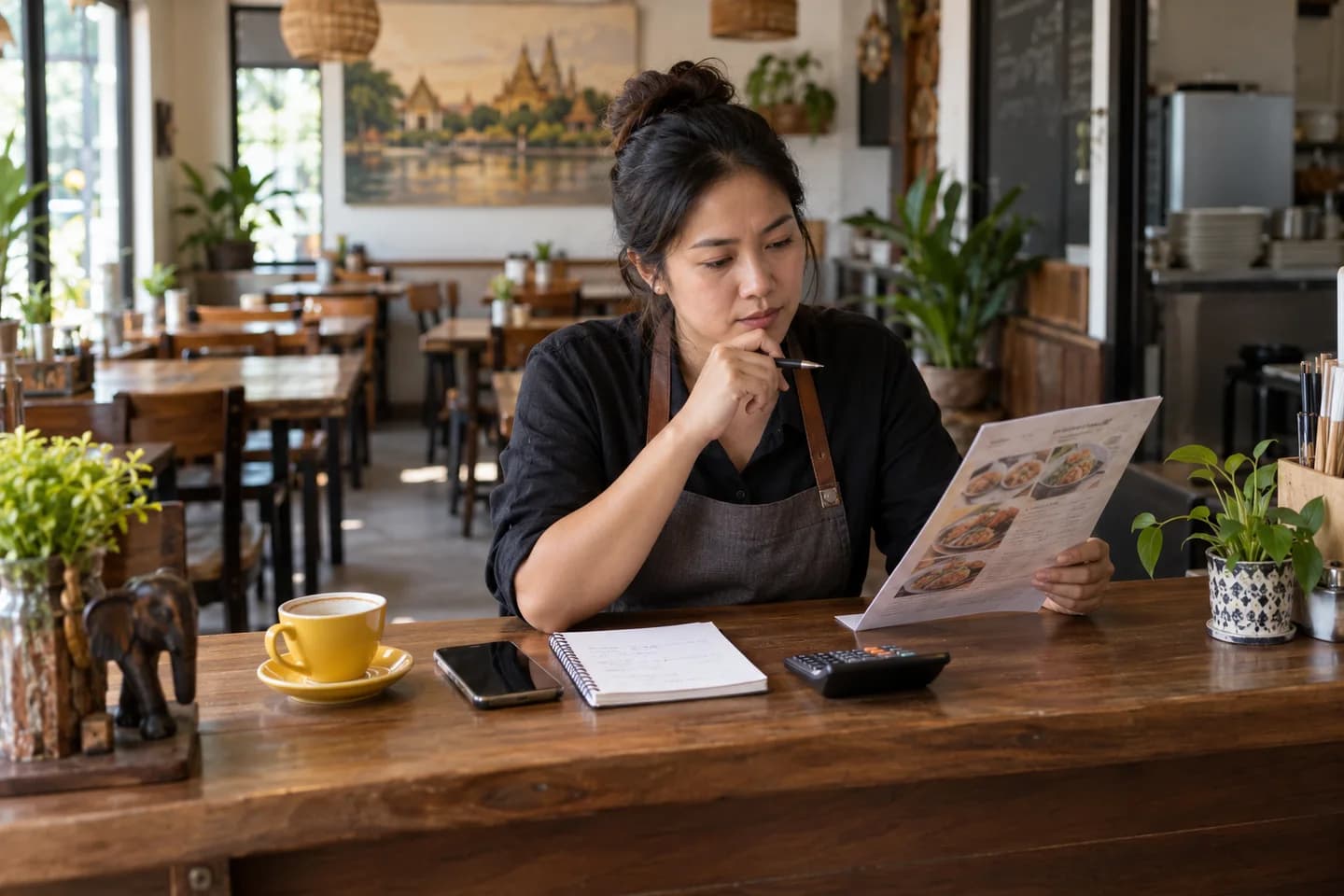
A free QR menu is enough when it holds your whole menu, serves the guest languages you need, and fits your tables and restaurants. Pay when a specific limit or capability prevents you from running the menu properly. A longer feature list alone is a poor reason to subscribe.
For iMango, a small cafe can fit Free, a larger single restaurant can fit Lifetime Unlock, and a workspace with three restaurants needs Pro. The examples below show the counts and costs behind those choices. If you are still choosing between browsing and guest ordering, start with the QR menu vs QR ordering comparison.
First, separate a free plan from a free trial
A permanent free tier lets you keep using a defined set of features without a subscription deadline. A trial gives temporary access: before relying on it, find out what guests can open and what staff can edit when the trial ends.
Check three things before printing QR cards:
- Ongoing guest access: does the public menu remain available without paying?
- Ongoing editing: can you still change prices, availability and translations?
- Capacity: can the free plan hold the entire menu and your required languages?
iMango offers an ongoing Free plan with no credit card required. Its limits are the useful decision point. A free QR image by itself does not tell you whether the service hosting the menu meets those needs.
Count what your restaurant needs
Use actual menu records and tables, rather than estimates based on guest seats. In iMango, restaurant and menu limits apply to the whole workspace; item and table limits apply to each restaurant.
| Count | What to include |
|---|---|
| Restaurants | Every restaurant you want to manage in this workspace. |
| Menus | All menu sets across those restaurants, such as breakfast, all-day and drinks. |
| Items | The total item records in each restaurant, across its menus. |
| Tables | All table records in each restaurant, across its floors. |
| Guest languages | Languages guests must be able to select now, not just translations saved for later. |
For a cafe menu, also decide whether sizes, milk and extras should be options on an item or separate products. Make the structure accurate before using the item count to choose a plan.
Current iMango prices and capacity
Prices checked on 13 October 2026 against iMango's public pricing, including the monthly and yearly selectors. Amounts are in Thai baht. Check the current offer and final checkout total before buying.
| Plan | Advertised software price |
|---|---|
| Free | ฿0, ongoing free tier. |
| Lifetime Unlock | ฿500 once. |
| Plus | ฿500/month or ฿5,000/year. |
| Pro | ฿900/month or ฿9,000/year. |
| Plan | Capacity |
|---|---|
| Free | 1 restaurant, 1 menu, 30 items per restaurant, 10 tables per restaurant, up to 4 active guest languages. |
| Lifetime Unlock | 1 restaurant, 3 menus, unlimited items, 15 tables per restaurant, up to 4 active guest languages. |
| Plus | Up to 2 restaurants, unlimited menus and items, 30 tables per restaurant, up to 8 active guest languages. |
| Pro | Up to 3 restaurants, unlimited menus and items, 40 tables per restaurant, all supported guest languages. |
Lifetime Unlock has its own limits. It removes the iMango footer badge, but custom public-menu themes and colors require an active Plus or Pro subscription. Free keeps the footer badge; Plus and Pro remove it. Styling the QR graphic and styling the menu guests read are separate capabilities.
The table limit is a capacity limit, not a monthly order quota. Free already includes unlimited QR orders and no iMango commission on orders. Ordering still needs table setup and staff responsibility, and the restaurant handles guest payments. See the standalone table-ordering guide for that service procedure.
Three restaurant worksheets
These are planning examples as of 13 October 2026, not customer results. Costs use the standard advertised prices without the Lifetime subscription discount. Printing, devices and the restaurant's payment costs are outside the calculation.
1. A small cafe: Free fits
| Requirement | Example |
|---|---|
| Restaurants and menus | 1 restaurant, 1 combined food-and-drink menu. |
| Items | 24 in total. |
| Tables | 8. |
| Active languages | Thai and English. |
| Appearance | Standard menu appearance; footer badge accepted. |
| Plan and first-year software cost | Free: ฿0. |
There are six item slots and two table slots left. If a new seasonal item brings the total to 25, the cafe still fits. At 31 items or when a second menu is needed, Free no longer covers the requested capacity. Lifetime is a possible next step if the other requirements stay within its limits.
2. A larger single restaurant: Lifetime fits
| Requirement | Example |
|---|---|
| Restaurants and menus | 1 restaurant, 3 menus: breakfast, all-day and drinks. |
| Items | 80 in total across the restaurant. |
| Tables | 14. |
| Active languages | Thai, English, Russian and Chinese. |
| Appearance | Standard menu appearance; no iMango footer badge. |
| Plan and first-year software cost | Lifetime Unlock: ฿500 once. |
The item count rules out Free. Lifetime covers these requirements without a recurring plan payment. There is one table slot left, and all three menu slots are used.
If this restaurant needs 16 tables, a fifth active language, a fourth menu, or custom menu themes and colors, it needs different entitlements. Plus covers those changes at the current limits. Pay for that concrete requirement when it matters to the restaurant.
3. Three restaurants in one workspace: Pro fits
| Requirement | Example |
|---|---|
| Restaurants and menus | 3 restaurants, 2 menus each: 6 menus in the workspace. |
| Items | 60 per restaurant. |
| Tables | 18 per restaurant. |
| Active languages | 6 per restaurant. |
| Appearance | Custom menu themes and colors. |
| Plan and first-year software cost | Pro: 12 × ฿900 = ฿10,800 monthly, or ฿9,000 on annual billing. |
The deciding count is three restaurants. Plus fits the items, menus, tables, languages and appearance in this example, but covers only two restaurants per workspace. If the owner manages just two of these venues in one workspace, Plus fits at ฿6,000 for twelve monthly payments or ฿5,000 for a year.
Neither plan currently covers four restaurants in one workspace. Resolve that requirement before buying instead of assuming that “Pro” means unlimited locations. Multiple restaurants also do not imply staff invitations or role permissions; those are a separate product requirement.
Compare monthly, yearly and one-time payments fairly
Monthly billing suits a restaurant still checking which capacity it needs. Yearly billing reduces the advertised cost for a full year, but requires paying the yearly price rather than twelve monthly installments.
At today's standard prices, twelve Plus monthly payments total ฿6,000 versus ฿5,000 yearly, a ฿1,000 difference. Twelve Pro monthly payments total ฿10,800 versus ฿9,000 yearly, a ฿1,800 difference. These are software-price comparisons, not promised printing savings or sales gains.
A one-time purchase covers its listed entitlement set. Lifetime is not an advance purchase of every future subscription feature. Lifetime owners currently receive 10% off Plus or Pro subscriptions; those subscriptions still have recurring charges, and the worksheet above uses undiscounted prices.
When comparing another provider, check how it counts restaurants, menus, items and languages, as well as any setup, order-commission or payment-processing charges. Keep those actual charges separate from the plan price; a generic market price range cannot tell you your restaurant's bill.
Check what happens when you cancel or downgrade
Before subscribing, check the cancellation effective date, renewal settings and refund terms shown for your purchase. Paying yearly does not by itself establish a prorated refund policy.
For iMango, when Plus or Pro access ends, the workspace falls back to Free, or to Lifetime if it already has that unlock. Data is not automatically deleted, existing menus remain accessible, and existing restaurants, menus and items remain editable.
If usage exceeds the fallback limits, creating or increasing resources is blocked. For example, the single restaurant with 80 items cannot add item 81 after falling back to Free until it reduces usage or obtains a plan with enough capacity.
Public-language and appearance changes also matter:
- Free and Lifetime keep only the first four saved guest languages active. Additional translations remain saved and editable, but guests cannot select those languages until you reorder them into the active set or upgrade.
- Saved theme and color settings remain stored, but the public menu uses the standard appearance without Plus or Pro.
- The footer badge returns on Free; a Lifetime fallback continues to hide it.
Before the paid period ends, put the most important guest languages first and check the guest menu. For routine content maintenance, use the editable QR menu guide.
Choose with your own numbers
Copy the five counts from the worksheet: restaurants, menus, items per restaurant, tables per restaurant and active guest languages. Add whether custom public-menu appearance is required. Find the lowest plan that fits every requirement, then compare its billing options for the period you actually expect to use it.
Check current iMango plans. If Free covers today's needs, start there and review prices, translations and the menu on a guest phone before printing the full batch of QR cards.
Frequently asked questions
Can a restaurant use a QR menu without a monthly fee?
Yes. An ongoing free tier can cover a restaurant within its limits. iMango also offers a one-time Lifetime Unlock with its own capacity and appearance rules. Confirm the exact limits rather than treating either offer as unlimited.
Is Lifetime Unlock the same as Pro?
No. Lifetime covers one restaurant, three menus, unlimited items, 15 tables and up to four active guest languages, and hides the footer badge. Pro has different capacity and includes custom public-menu themes and colors while the subscription is active.
Are menu and table limits shared between restaurants?
In iMango, restaurant and menu counts apply to the whole workspace. Item and table limits apply separately to each restaurant. Six menus across three restaurants still count as six workspace menus.
Does table ordering require a paid plan?
Free includes QR ordering within its table capacity. The restaurant must enable and set up table ordering, watch incoming orders and handle guest payments itself. Paying for Plus or Pro does not add POS synchronization or guest payment processing.
Will guests lose the menu if a subscription ends?
iMango keeps existing public menus accessible after fallback, without automatically deleting menu data. The lower plan's active-language, appearance and creation limits apply. Check those changes before the paid period ends.
When is yearly billing worth considering?
When the plan already fits the restaurant and you expect to use it for the full year. Compare the annual charge with twelve monthly payments, then check the cancellation and refund terms for that purchase.