
June 1, 2026 · 13 min read
View-Only Digital Menu: Simple QR Menu Guide
Learn when a view-only digital menu is enough for a restaurant, how it differs from PDF menus and POS ordering, and how to set up a QR menu guests trust.
iMango Team
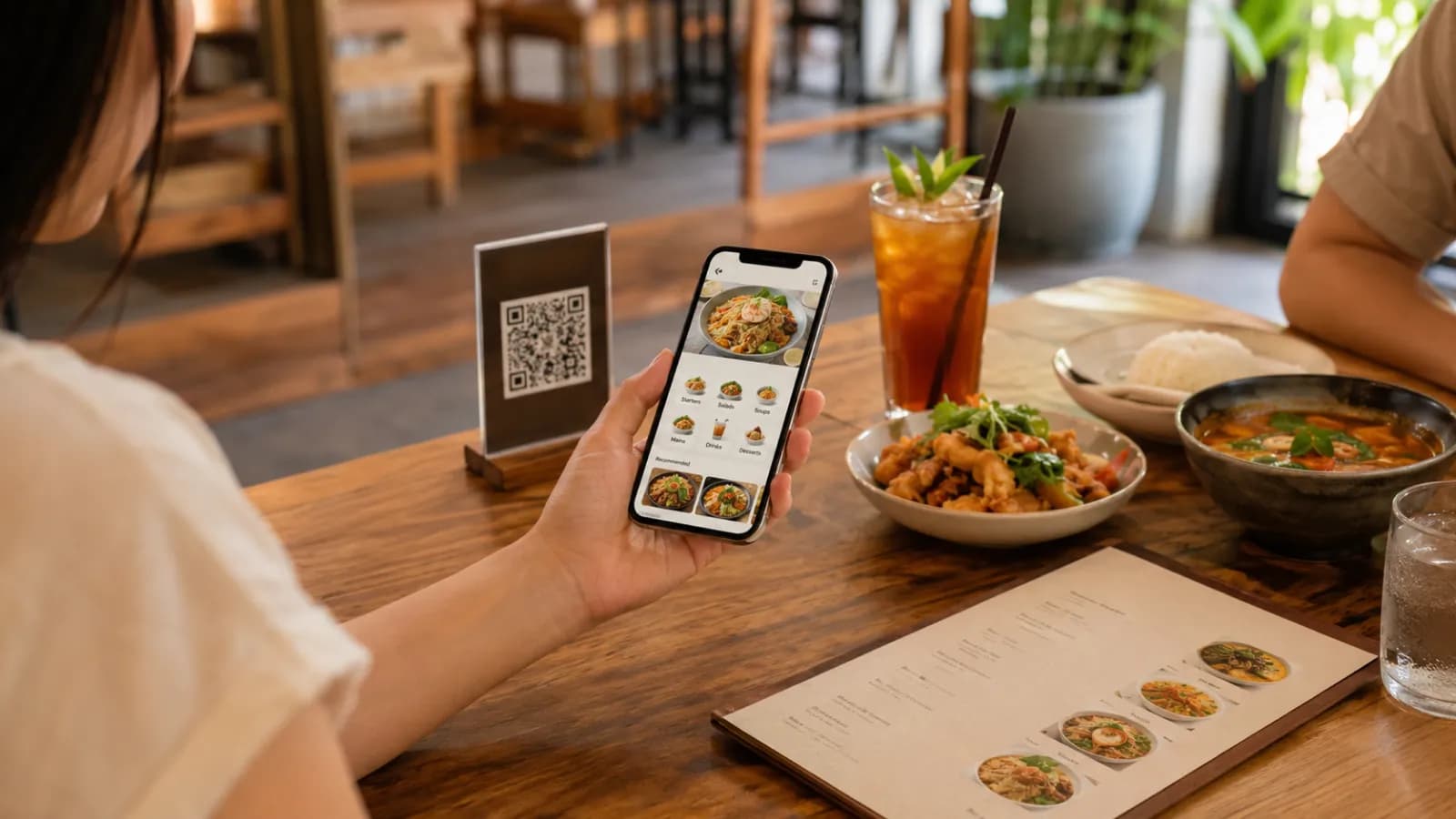
Short answer: a view-only digital menu is a QR-accessible restaurant menu that guests can open, read, and use to choose what they want without placing an order, paying, or connecting to a POS system. For many restaurants, that is exactly the right starting point: keep the menu editable and mobile-friendly, but keep ordering inside the normal hospitality flow.
That sounds modest until you look at what most restaurants actually need first. They need to update prices without reprinting. They need to hide sold-out items before a server repeats the same apology all night. They need tourists to understand dishes, spice levels, photos, allergens, and options. They need a stable QR code that still works after the menu changes.
A full QR ordering or POS-connected system can be useful. But if the restaurant is not ready to redesign service, train staff around a new order queue, manage online payments, or reconcile another operational system, a view-only digital menu is often the cleaner move.
What is a view-only digital menu?
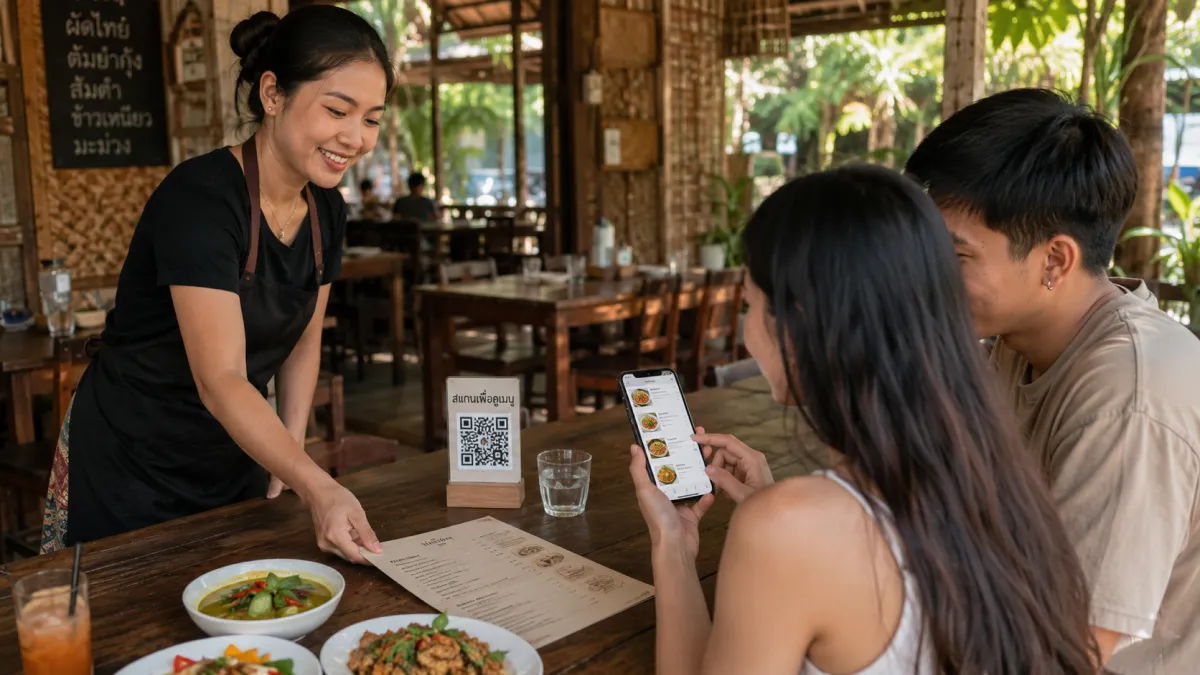
A view-only digital menu is a web-based menu that guests open from a QR code or link. It shows categories, dishes, descriptions, photos, prices, availability, and sometimes language options. Guests browse the menu on their phone, then order the way they already do: with a server, at the counter, at the bar, or through the restaurant's existing process.
The key word is view-only. It means the menu is not trying to take the order itself.
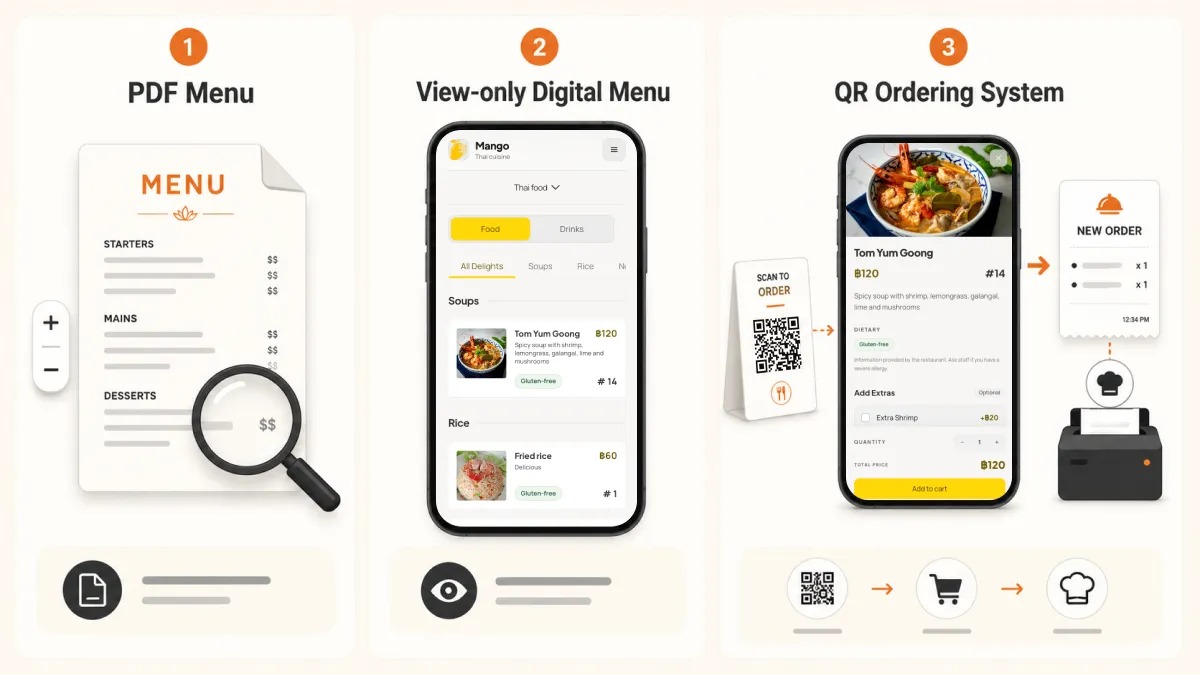
| Menu type | What guests do | What the restaurant manages | Best fit |
|---|---|---|---|
| PDF menu by QR | Open a static file and pinch/zoom | Re-upload files when anything changes | Very small or rarely changing menus |
| View-only digital menu | Browse a mobile menu, then order normally | Edit menu content in a dashboard | Restaurants that want clarity without service redesign |
| QR ordering menu | Browse, select items, and submit an order | Menu content plus order flow, table routing, staff handling | High-volume venues ready for self-ordering |
| POS-connected ordering | Submit and pay through integrated systems | Menu, payments, POS sync, kitchen routing, reconciliation | Operators with mature process and technical support |
The mistake is treating these as a maturity ladder every restaurant must climb. They are different operating models. A cafe, beach bar, hotel breakfast room, food stall, or neighborhood restaurant may get most of the benefit from the second column: a clear, editable, mobile-first menu.
If the decision is really about format, use the PDF menu vs QR menu comparison. If the decision is about service flow, use the QR menu vs QR ordering comparison.
Why restaurants are asking for simpler QR menus again
Restaurant technology vendors often lead with the biggest feature list: ordering, payments, table management, kitchen display systems, loyalty, integrations, analytics, and staff apps. That can make a simple menu feel incomplete.
In the market, though, "view-only" is already a real category. Some QR menu providers separate a view-only plan from ordering and POS plans. QRCrave, for example, lists a basic view-only digital menu tier before higher plans with ordering and POS features. LetsOrderIt markets a free view-only menu plan. Menually uses "view only" to distinguish limited access from full management and ordering features. That pattern tells us something important: restaurants often want the menu first, not the whole operating system.
There is also a customer-experience reason to keep the first version simple. QR menus get criticized when they force guests into a bad phone experience. Ipsos reported that nearly three in five consumers said they would like to go back to paper menus instead of QR code menus. A 2025 study in the International Journal of Hospitality Management found that QR menu satisfaction is strongly affected by information quality and interactive experience quality. In plain English: guests do not reward a restaurant for using QR. They reward a restaurant when the menu is useful, readable, and easy to use.
That is the view-only opportunity. Do not make the guest fight a PDF. Do not force a phone-ordering workflow if the restaurant still wants table service. Just give them the live menu clearly.
The real problem is not paper. It is stale menu information.
Paper menus are not automatically bad. Many guests still like them, and many restaurants should keep a simple paper fallback. The problem is that printed menus are slow to change.
A restaurant menu changes in small ways all the time:
- a price changes after supplier cost increases;
- a dish sells out during service;
- a seasonal item appears for two weeks;
- a typo gets noticed after printing;
- a photo needs replacing because the plating changed;
- a tourist language becomes important in the neighborhood;
- an allergen note needs to be made clearer;
- a lunch-only item accidentally stays visible at dinner.
Those are not "digital transformation" problems. They are normal restaurant problems.
A view-only digital menu solves them without asking the restaurant to rebuild the whole service model. The QR code stays on the table. The public URL stays stable. The owner or manager edits the menu in one place. Guests see the current version.
When a view-only digital menu is enough
A view-only digital menu is usually enough when the restaurant still wants a human to take the order.
That includes many real-world cases:
| Restaurant situation | Why view-only works |
|---|---|
| Small cafe | Guests decide at the table, then order at the counter |
| Beach bar or casual venue | The menu changes often, but service remains human |
| Hotel restaurant | International guests need language clarity before ordering |
| Street-food stall with seating | A simple QR menu can show photos, prices, and translations |
| Fine-casual restaurant | Servers still guide the table, but the menu answers basic questions |
| Tourist-heavy restaurant | Guests need dish descriptions, photos, spice levels, and allergen notes |
| New restaurant | The team can digitize the menu before committing to deeper operations software |
The value is not only cost savings. It is operational calm. A view-only menu does not create a new order queue, a new payment flow, or a new kitchen dependency. It reduces the number of repeated explanations without removing the staff from hospitality.
When view-only is not enough
View-only is not the right fit for every restaurant.
You may need QR ordering or POS integration if:
- guests already expect self-ordering;
- the venue is high-volume and staff cannot keep up with manual order taking;
- table numbers must route directly to the kitchen;
- online payment is central to the service model;
- pickup, delivery, or room-service ordering is part of the menu experience;
- the restaurant needs order analytics more than menu clarity;
- the team has the process discipline to manage digital order exceptions.
The point is not that ordering is bad. The point is sequence. If your menu is unclear, outdated, hard to read on mobile, or not translated for your actual guests, fix that first. Ordering automation works better when the menu data is already clean.
If you want guests to send orders while keeping your existing cashier process, use the QR table ordering without a POS guide. It covers the staff watcher, kitchen handoff, additions and bill requests for one complete table-service cycle.
Why this matters in Thailand
Thailand is a strong market for a simple, mobile-first QR menu because the customer behavior is already there. DataReportal's Digital 2026 Thailand report estimates 67.8 million internet users, 94.7% internet penetration, and 96.6 million cellular mobile connections in Thailand at the end of 2025. The Bank of Thailand also describes Thai QR Payment as part of the country's move toward less-cash digital payments.
Tourism keeps the menu problem sharp. Nation Thailand reported 13,428,857 foreign tourist arrivals from January 1 to May 24, 2026, with China, Malaysia, India, Russia, and South Korea among the top source markets. TAT's April 2026 update reported 9.31 million international arrivals in Q1 and projected 30-34 million international arrivals for the year while shifting strategy toward "Value over Volume."
For restaurants, that means a menu has to do more than list dishes. It has to help a Chinese, Malaysian, Indian, Russian, Korean, European, or local Thai guest decide what is safe, appealing, and worth ordering. A view-only digital menu can do that well because it can combine:
- food photos;
- clear item descriptions;
- Thai and English as a base pair;
- additional languages where demand is real;
- spice-level and dietary notes;
- allergen information;
- current prices and availability.
The restaurant does not need to start with POS integration to deliver that value. It needs a menu that works on phones.
What a good view-only digital menu should include
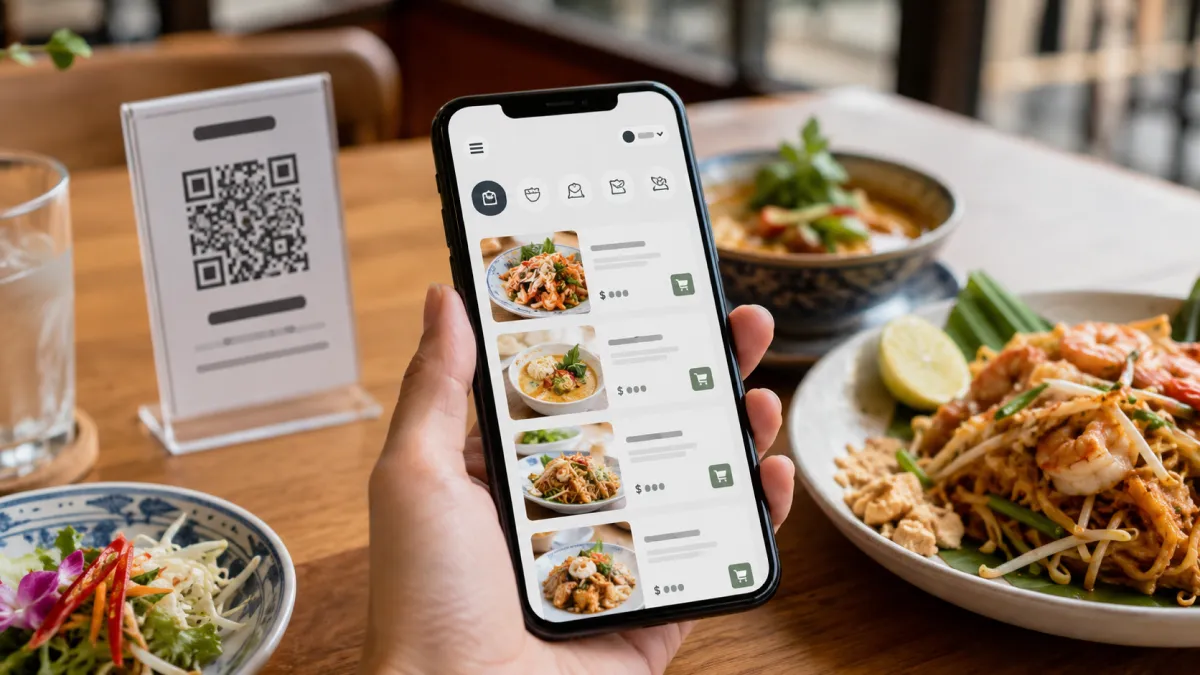
A weak view-only menu is just a digital list. A strong one is built for the guest's decision.
Use this checklist:
| Menu element | Why it matters |
|---|---|
| Mobile-first layout | Guests should not pinch, zoom, or lose their place |
| Stable QR URL | Existing printed QR codes should not break after edits |
| Clear categories | Guests need fast orientation before they read item details |
| Dish photos | Photos help tourists understand unfamiliar food |
| Short descriptions | Ingredients, cooking method, portion, and spice level reduce uncertainty |
| Current prices | Guests lose trust when digital and staff prices differ |
| Availability controls | Sold-out items should not stay visible as normal choices |
| Multilingual fields | Tourist-facing restaurants should not rely on staff translation every time |
| Allergen and dietary notes | Safety-sensitive information should be visible and structured |
| No app requirement | A menu should open in the mobile browser |
| Paper fallback | QR should improve service, not punish guests who cannot or do not want to scan |
This is where a mobile-first digital menu beats a PDF. A PDF may preserve the old design, but it usually preserves the old problems too: tiny text, hard navigation, outdated pages, and no clean language switching.
How to set up a view-only menu without overcomplicating it
Start small. The first goal is not to digitize every edge case. The first goal is to make the menu useful on a phone.
Step 1: Choose the menu you actually serve today
Do not begin with last year's printed file if it is full of old prices and unavailable dishes. Use the menu the staff would trust during service.
If you have multiple menus, start with the one guests ask about most:
- all-day menu;
- drinks menu;
- breakfast menu;
- seafood menu;
- tourist set menu;
- seasonal specials.
Step 2: Clean the source text before uploading
Bad source text becomes bad digital text.
Replace internal shorthand with guest-facing language. "SPC pork" may be obvious to the kitchen, but it is not useful to a tourist. A better description explains the dish in plain words: pork, cooking method, sauce, spice level, portion, and whether rice is included.
Step 3: Add photos where they change decisions
You do not need a photo for every item on day one. Start with items where visuals reduce hesitation:
- signature dishes;
- local dishes tourists may not know;
- premium seafood;
- desserts;
- drinks;
- set menus;
- dishes with high margin or high confusion risk.
The photo should show the real dish clearly. Avoid stylized images that make the plate look different from what guests receive.
Step 4: Add languages only where you can maintain quality
For many restaurants in Thailand, Thai and English are the practical base. Add other languages when the evidence is visible: staff questions, Google reviews, hotel partners, tourist source markets, or repeat misunderstandings.
More languages are not automatically better. A badly maintained language tab can reduce trust faster than no language tab at all.
Step 5: Print the QR code once, then update the menu behind it
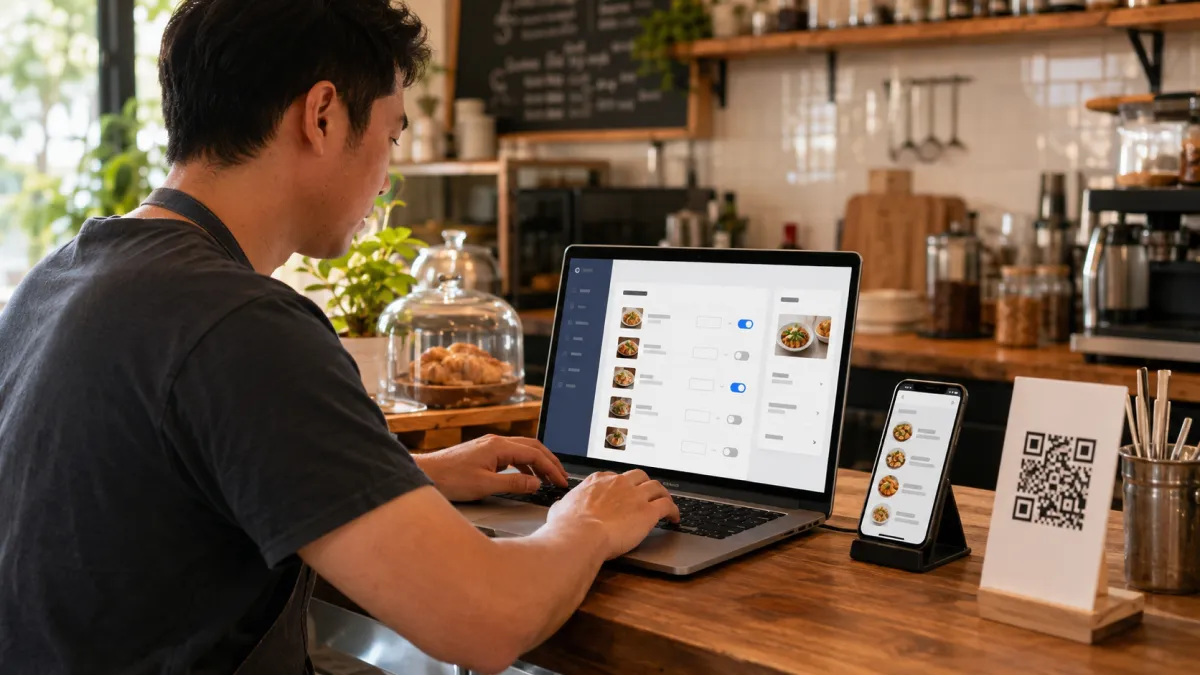
The QR code should point to a stable URL. That is the main operational benefit. Once the QR code is printed on table tents, stickers, takeaway cards, or signs, the restaurant should be able to update content without reprinting the code.
Test the QR code before placing it widely:
- scan from iPhone and Android;
- test on mobile data and restaurant Wi-Fi;
- check text size and contrast;
- switch languages if enabled;
- open a dish detail page;
- confirm prices and sold-out items;
- ask one staff member to find a specific dish quickly.
The best view-only menu still respects hospitality
The worst QR menu experience is not "digital." It is abandonment. The guest scans, struggles, and feels like the restaurant has outsourced hospitality to a bad webpage.
View-only should do the opposite. It should help the guest prepare for a better human interaction.
Good service still matters:
- Keep paper menus available when possible.
- Train staff to explain the QR menu without sounding annoyed.
- Put the QR code where it is easy to scan.
- Keep the printed code clean and secure.
- Do not hide important information behind tiny icons.
- Do not make guests download an app.
- Do not use QR as an excuse to stop answering questions.
The view-only menu is the reference. The staff are still the hosts.
How iMango fits this workflow
iMango is built around a simple idea: the restaurant owner manages menu content in an admin workspace, and guests open the public menu through a stable URL or QR code. A view-only setup is one mode of the digital restaurant menu.
For a view-only digital menu, that matters because the restaurant can start with the core workflow:
- Create the menu.
- Add categories, items, prices, photos, and descriptions.
- Enable the languages the restaurant actually wants to support.
- Publish the public menu behind a stable QR URL.
- Update items when prices, availability, or descriptions change.
The article should not pretend that every restaurant needs ordering, payment, or POS integration on day one. Many do not. A view-only menu can be the most practical first version because it solves the guest-facing menu problem while leaving the restaurant's existing service flow intact.
If the restaurant later needs more operational depth, the menu content is already cleaner. That is a better foundation than jumping straight into automation with messy data.
View-only digital menu setup checklist
Before publishing your first version, check the basics:
- The QR code opens without an app.
- The menu loads quickly on mobile.
- Categories fit on a small screen.
- Every visible item has a current price.
- Sold-out items are hidden or clearly marked.
- Signature dishes have photos.
- Tourist-facing descriptions explain ingredients and spice level.
- Allergen and dietary notes are visible where needed.
- Thai and English are both checked if the restaurant serves tourists.
- Staff know whether guests should order at the table, counter, bar, or with a server.
- A paper fallback exists for guests who cannot scan.
That checklist is more valuable than a big feature list. A view-only digital menu succeeds when guests can make a decision quickly and staff do not have to fix the menu experience during service.
Frequently Asked Questions
What is a view-only digital menu?
A view-only digital menu is an online restaurant menu that guests can open from a QR code or link, browse on their phone, and use to choose what they want. It does not collect orders, process payments, or connect to a POS system by default.
Is a view-only QR menu better than a PDF menu?
Usually, yes. A view-only QR menu can be designed for mobile screens, updated without reprinting, and structured with categories, photos, language options, and availability controls. A PDF menu often forces guests to pinch and zoom and can become outdated quickly.
Does a view-only digital menu need POS integration?
No. That is the point. A view-only digital menu can work without POS integration because it only shows the menu. Guests still order through the restaurant's normal process.
When should a restaurant choose QR ordering instead?
Choose QR ordering when the restaurant wants guests to submit orders digitally, route orders by table, reduce manual order taking, or support payment through the menu. That requires more process design than a view-only menu.
Should restaurants still offer paper menus?
Many should. A paper fallback helps guests who cannot scan, do not want to use a phone, have a low battery, or struggle with connectivity. The strongest setup is often hybrid: a mobile-first QR menu plus a simple paper option when needed.