Printed menus get outdated
Edit once and keep the same QR
Update prices, photos, sold-out items, and descriptions without reprinting every table menu.
Update prices, photos, and translations straight from your phone — changes go live on the same QR instantly, so you never reprint a menu again.
Free forever. No credit card required.
Real-time sync
Rich espresso shot with cold fresh milk
Sweet ripe mango served with coconut sticky rice
Restaurant pains
iMango focuses on the daily menu problems restaurant owners actually feel: stale information, guest confusion, and staff time spent explaining the same choices.
Printed menus get outdated
Update prices, photos, sold-out items, and descriptions without reprinting every table menu.
Guests find an old menu online
Point guests and QR codes to the same live menu so the version they open matches the restaurant floor.
Tourists cannot read the menu
Keep all supported language content in one workspace, then review every guest-facing word before it goes live.
Staff repeat the same explanations
Reusable option groups, item notes, and table QR ordering help guests choose with less back-and-forth.
Simple for your team to manage, easy for your guests to use.
Create and manage your menu easily from a phone or tablet.
Explore digital menusChange items, prices, and availability in minutes.
Take photos of a paper menu and review an editable AI draft before publishing.
Explore photo importHelp international visitors understand your menu and order with more confidence.
Generate menu translations quickly and fine-tune the wording whenever needed.
Explore translationLet guests send orders and additions from the table QR while staff manages one shared table order.
Explore QR orderingVenue fit
Start from the venue type closest to your service flow, then use iMango's menu, translation, option, and QR tools around that workflow.
QR menu for hotel restaurants
Breakfast, room-service-style browsing, and tourist menus need clear languages and a guest menu that stays current.
Open guideQR menu for beach bars
Outdoor tables, drink add-ons, and repeat orders work better when guests can scan once and add from their seats.
Open guideQR menu for street food stalls
Small menus, item numbers, and quick edits help tourists order faster without slowing the counter.
Open guideQR menu for cafes
Daily specials, milk choices, sweetness levels, and reusable modifiers stay easier to maintain in one workspace.
Open guideSnap or upload a photo of your existing paper menu. AI reads the categories, dishes, and prices, then you review and publish in minutes — no manual typing.
Upload a photo
Take a picture or upload an image of your current menu.
AI reads it
AI extracts categories, dishes, and prices automatically.
Review & publish
Check the details, tweak in one tap, and go live.
Match your guest menu to your brand. Pick a theme and an accent color — the live preview updates instantly. Try it now.
Theme
Brand accent
Switch between 15 supported languages in a single click. Manage translations effortlessly and cater to international guests without the friction.
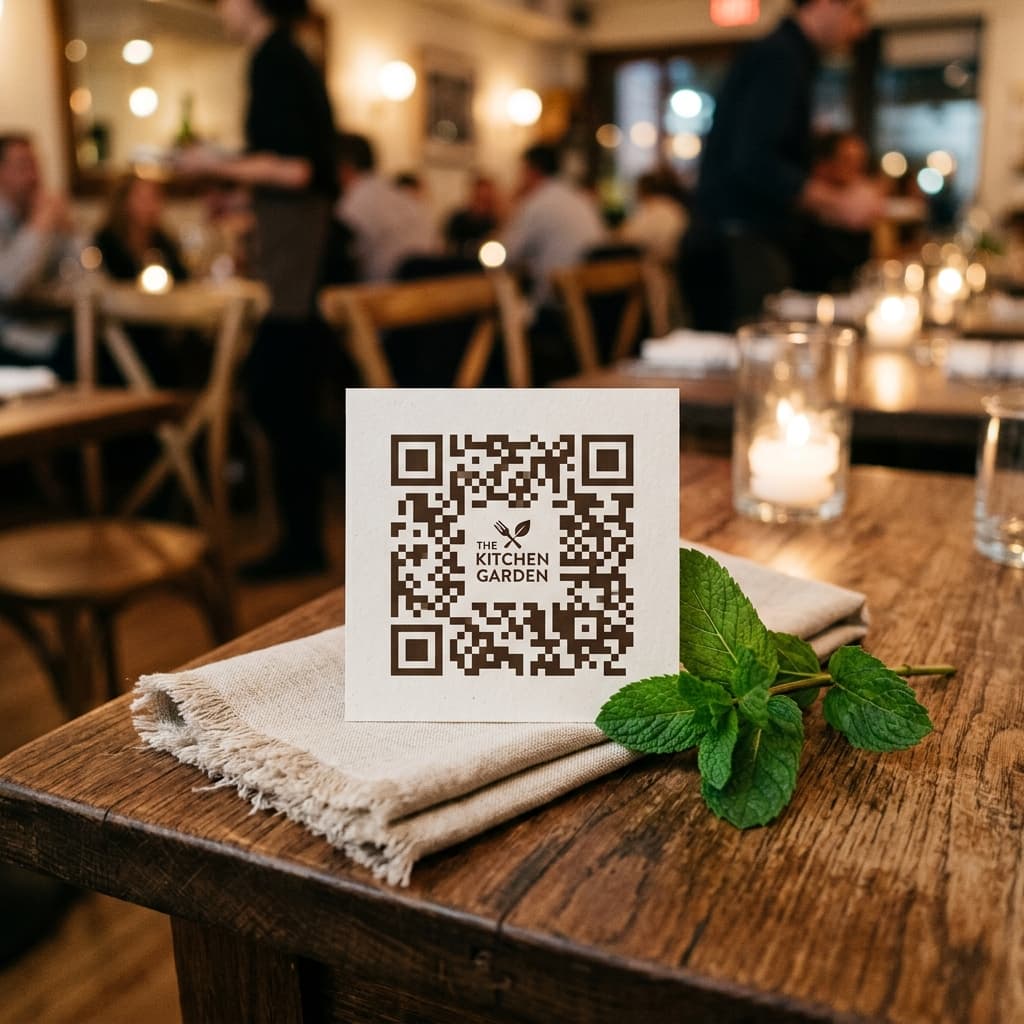
Add items manually or upload menu photos to create an editable draft.
Set up shared option groups and translations for a global reach.
Download high-res QR codes and see updates live instantly.
“Our specials change every morning. I update the menu from my phone before we open, and the QR codes on the tables just keep working — no reprinting, ever.”
“Most of our guests are Russian and Chinese tourists. Now the menu speaks their language, so staff spend less time explaining and orders come in right the first time.”
“Guests order another round straight from their loungers. The first QR order reached our staff about ten minutes after I finished setting up.”
Start free, then upgrade when you need more restaurants, tables, or menus.
Per month
Get Started for Free
One-time payment — yours forever
A permanent unlock for one restaurant workspace.
Everything in Free, plus:
Per month
For growing restaurant groups that need more locations.
Everything in Free, plus:
Per month
For operators running several active venues.
Everything in Plus, with:
iMango is a mobile-first QR menu platform. Owners create and publish digital menus in minutes using an intuitive no-code editor. Guests scan a QR code at the table and instantly browse the full menu — no app download required. Any update goes live in real-time.
iMango menus load in under 0.5 seconds, even on slow mobile connections. The platform maintains 99.9% uptime so guests always have a reliable experience.
Yes. iMango has built-in multilingual support for Thai, English, Russian, Chinese, Korean, Japanese, French, German, Spanish, Italian, Portuguese, Turkish, Vietnamese, Hindi, and Khmer. All translations are managed from a single admin panel and guests can switch languages in one click.
Most restaurants go live in under 10 minutes. Add items manually or upload menu photos to create an editable draft, configure option groups, download a high-resolution QR code, and display it — no technical skills required.
Yes. Start a photo import, upload menu photos, and iMango creates an editable draft. You review prices, translations, options, and safety or dietary notes before publishing.
Yes, iMango offers a free plan with no credit card required. Restaurants can create and publish their first digital menu at no cost.
Shared option groups are reusable customization sets — for example 'Spiciness' or 'Add-ons'. Create a group once and attach it to any menu item in one tap. Updates apply everywhere instantly, saving hours of manual work.
Yes. With table QR ordering enabled, guests can add items to a cart, send the first order, add more during service, and signal when they are ready to pay. Staff sees submitted table orders in the Orders workspace with realtime alerts. Payments are still handled by the restaurant.