
April 30, 2026 · 13 min read
How to Create a QR Menu for a Restaurant (2026 Guide)
Create a QR menu for your restaurant in 8 steps: plan items, generate codes, place them right, and measure scans. Free template and multilingual tips inside.
iMango Team
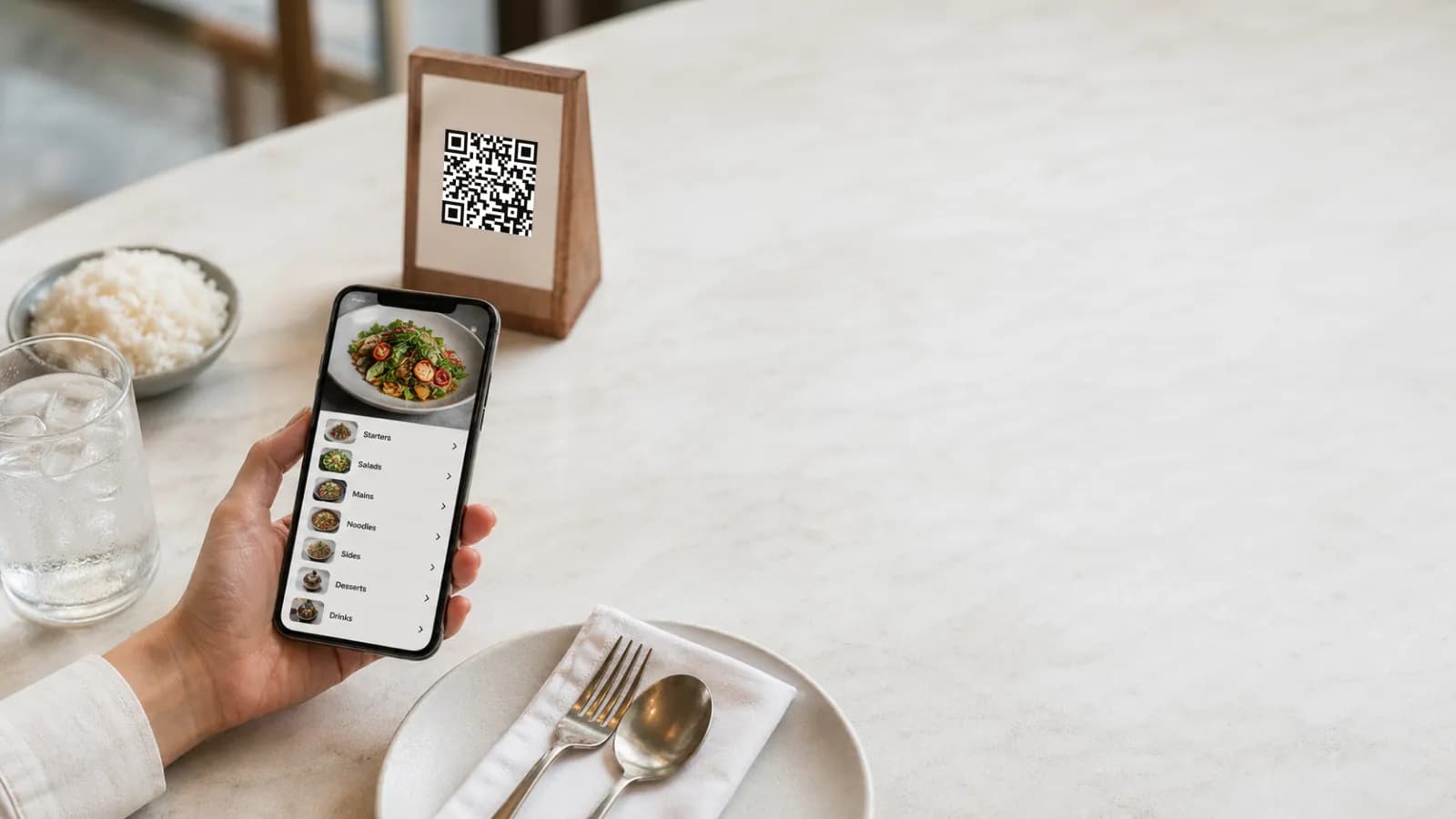
TL;DR. To create a QR menu for a restaurant in 2026, take eight steps: audit your menu, pick a QR menu platform, build the digital menu (with photos, allergens, and translations), generate a QR code that points to a stable public URL, print and place the code where guests look first, train staff with a one-line script, test on a real phone, then measure scans and iterate. The whole setup takes 60–90 minutes for a small restaurant and stays free with platforms like iMango.
A QR menu is no longer a pandemic workaround. 75% of restaurants worldwide now use a QR code menu, and 82% of guests prefer scanning over a printed menu (Uniqode QR Code Statistics, 2025). This guide walks through the exact setup that makes a QR menu fast, multilingual, and worth keeping after launch — including the parts most online tutorials skip: placement, staff script, mobile UX, and analytics.
What a QR menu actually is
A QR menu is a printed (or on-screen) QR code that opens a mobile-friendly version of your restaurant menu when a guest scans it with a phone camera. The menu lives at a stable public web address; the QR code is just a shortcut to that address.
Two important consequences:
- You can edit the menu without reprinting the code. The QR points to a URL, not to the menu content.
- You can swap what the URL shows. Add languages, mark items 86'd, change prices for happy hour — the printed code stays the same.
A PDF can also be replaced without reprinting the QR when the new file remains available at the same URL. The difference is the guest experience and editing workflow: a mobile menu is structured for phones, while a PDF may still require zooming around a paper layout.
Why QR menus matter in 2026
QR menus stopped being optional once guest behavior changed. The numbers:
- 75% of restaurants worldwide use QR menus (Uniqode, 2025).
- 82% of restaurant guests prefer QR menus over printed menus (Uniqode survey of 950+ restaurants, 2024).
- 150% rise in U.S. restaurant QR adoption over two years (Uniqode, 2024).
- 89 million+ Americans scanned a QR code in 2025; the number is projected to pass 100 million in 2026 (Statista, 2025).
- +12% average order value when guests order from a digital menu, with up to +60% for menus that surface upsells (Toast, Restaurant365, 2024).
- +15% table turnover with QR-based payments (Square Restaurant Industry Report, 2023).
- ~$3,600/year saved on printing for a typical small restaurant (Restaurant365, 2024).
- 57% fewer menu-related guest complaints with digital vs. printed menus (EasyMenus, 2024).
In Thailand specifically, the cultural readiness is already there. Thailand is the third-largest QR-code-using country in the world, with 61.5% of the population scanning QR codes at least once a month (QR Code Tiger, 2025), and PromptPay alone moved 2.1 billion transactions worth 4.43 trillion THB in March 2025 (Bank of Thailand). Diners are deeply trained on the scan-to-act behavior.
Static vs. dynamic QR codes — pick the right one
This is the most-confused topic in QR menus. The short version:
| Static QR | Dynamic QR | |
|---|---|---|
| What's encoded | The menu URL itself | A short redirect URL |
| Change the encoded address after print | No; keep that URL working | Keep the redirect URL working and change its destination |
| Update menu content at the same URL | Yes | Yes |
| Tracks scans | Depends on the destination's measurement tools | Depends on the redirect service and destination |
| Good for | A stable menu URL you can maintain | A managed redirect when you need to change destinations |
Keep the printed address working. A static QR can open an editable restaurant menu: changing prices, items or translations at the same address does not require reprinting. If the address changes, preserve or redirect the old URL where possible. Otherwise, you may need a new print.
A QR menu platform like iMango handles this for you: you publish to a stable public URL, the code stays the same, and edits go live within seconds. This is the foundation of a digital restaurant menu.
Step 1 — Audit your menu before you go digital
Before opening any QR generator, decide what's actually on the menu. A clean digital menu starts with a clean source list.
- Pull the current menu and remove items that haven't sold in 30 days.
- Tag each remaining item: dietary flags (vegetarian, vegan, gluten-free), allergens (EU 14 allergen list is the safest baseline), spice level, and signature/upsell tags.
- Decide a photo policy: only signature items, unfamiliar items, and high-margin items get photos. Photos help most where guests can't picture the dish.
- List your final categories in the order guests should see them. Most ordered → newest → seasonal works for most cuisines.
This step takes 20–40 minutes and is the single biggest predictor of whether the QR menu will lift average order value.
Step 2 — Choose your QR menu platform
A QR menu platform is the workspace where you build and host the menu. Five things to compare:
- Stable public URL that does not change when you edit.
- Multilingual support — at minimum English plus your local language. Tourist markets need three or more.
- Photos and allergens as first-class fields, not free text.
- Mobile-first public menu that loads under 2 seconds.
- Pricing model that fits a restaurant, not a SaaS startup.
Cost transparency matters: many "free" QR menu generators paywall the dynamic QR, the analytics, or the second language. For a small restaurant, the all-in cost should sit near zero on a free plan and predictable on a paid plan.
| Plan | One-time | Monthly | What you get |
|---|---|---|---|
| Free | ฿0 | ฿0 | 1 restaurant, 1 menu, 30 items, 10 tables, up to 4 active guest languages |
| Lifetime Unlock | ฿500 | — | 1 restaurant, 3 menus, unlimited items, 15 tables, up to 4 active guest languages; no footer badge, but no custom menu themes or colors |
| Plus | — | ฿500/mo (or ฿450/mo for Lifetime owners) | Up to 2 restaurants, unlimited menus and items, 30 tables per restaurant, up to 8 active guest languages, menu themes and colors |
| Pro | — | ฿900/mo (or ฿810/mo for Lifetime owners) | Up to 3 restaurants, unlimited menus and items, 40 tables per restaurant, all supported guest languages, menu themes and colors |
iMango's plans are the reference point above; verify that any platform you compare against keeps the menu URL accessible on the plan you choose and explains what happens if you change plans.
For a capacity-based choice, use the free vs paid QR menu worksheets. They compare a small cafe, a larger single restaurant and a three-restaurant workspace, with dated prices, annual costs and downgrade behavior.
Step 3 — Build the digital menu
Starting with a printed menu? Follow the photo-to-QR-menu import guide to prepare readable photos, review the imported draft, and check sizes and extra charges before activating the new menu.
Inside your QR menu platform, build categories and items in this order:
- Categories in guest-reading order.
- Top sellers first inside each category. Guests don't scroll forever.
- Item name, price, short description. Two sentences max.
- Photo only when it helps the decision — a bad photo hurts more than no photo.
- Option groups for repeated choices — spice level, milk type, size, toppings. Reuse them across items so changes apply once.
- Allergen and dietary tags on every applicable item.
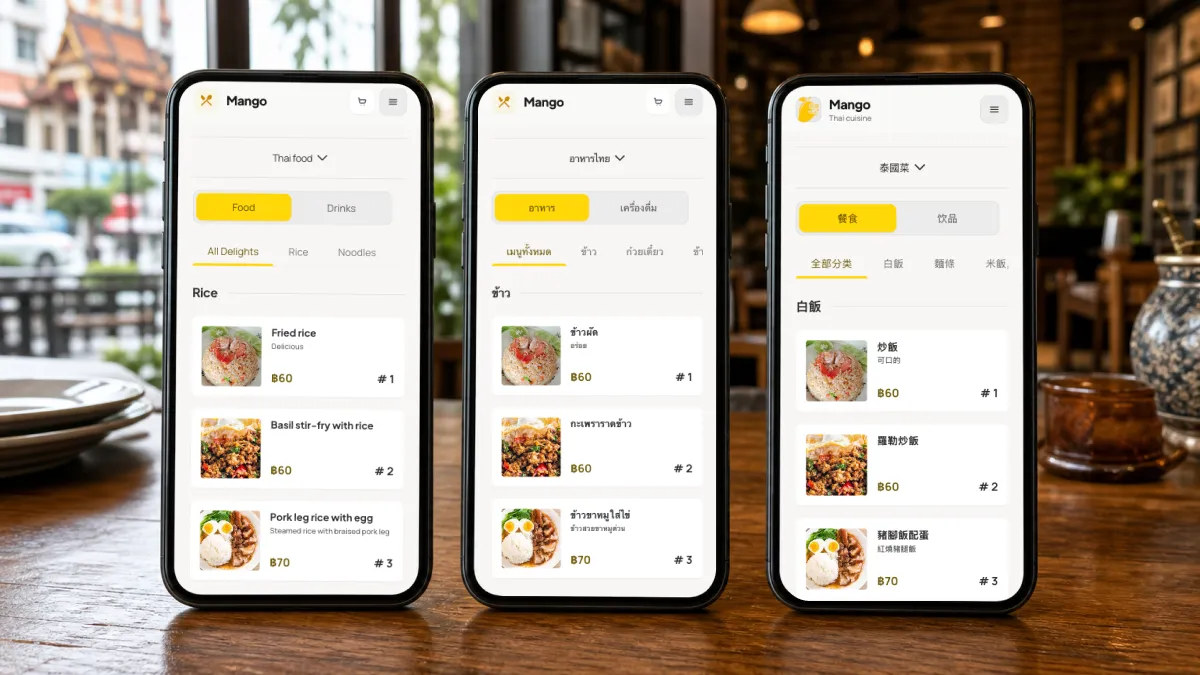
- Translations. At minimum: name, short description, option labels.
For a tourist market like Bangkok, Phuket, Chiang Mai, or Pattaya, plan for English, Thai, and at least one of Chinese or Russian — diners' phones already display in those languages, and matching the phone language is a known conversion signal.
Step 4 — Generate the QR code
You do not need a separate QR generator. Most QR menu platforms generate the code from your public menu URL. If you generate the code yourself:
- Use the correct stable destination. iMango's main QR encodes
/r/{restaurantSlug}for browsing. Each table QR uses/r/{restaurantSlug}/t/{tableCode}for its assigned table's ordering flow. - Include a readable URL and purpose. A line such as "Scan to view menu — also at imango.app/r/yourname" gives guests context and an alternative to scanning. Replace the example with your actual menu address.
- Pick a quiet, high-contrast design. Black on white still scans best. Branded colors are fine if contrast stays above 4.5:1.
- Prepare a full-size proof. A 30 mm table pattern or 60 mm window pattern can be a starting point, with at least four modules of clear space on each side. These are recommendations to test, not universal minimum sizes.
- Test before printing the full batch. Scan from three phones (one iOS, one Android, one older phone) at the distance where the code will live.
Use the QR print-size and placement guide to customize and download your QR in iMango, measure the pattern and border separately, and record physical scan tests before ordering the batch.
Step 5 — Place the QR code where guests look first
Placement is where most QR menus quietly fail. The hierarchy that actually works in real restaurants:
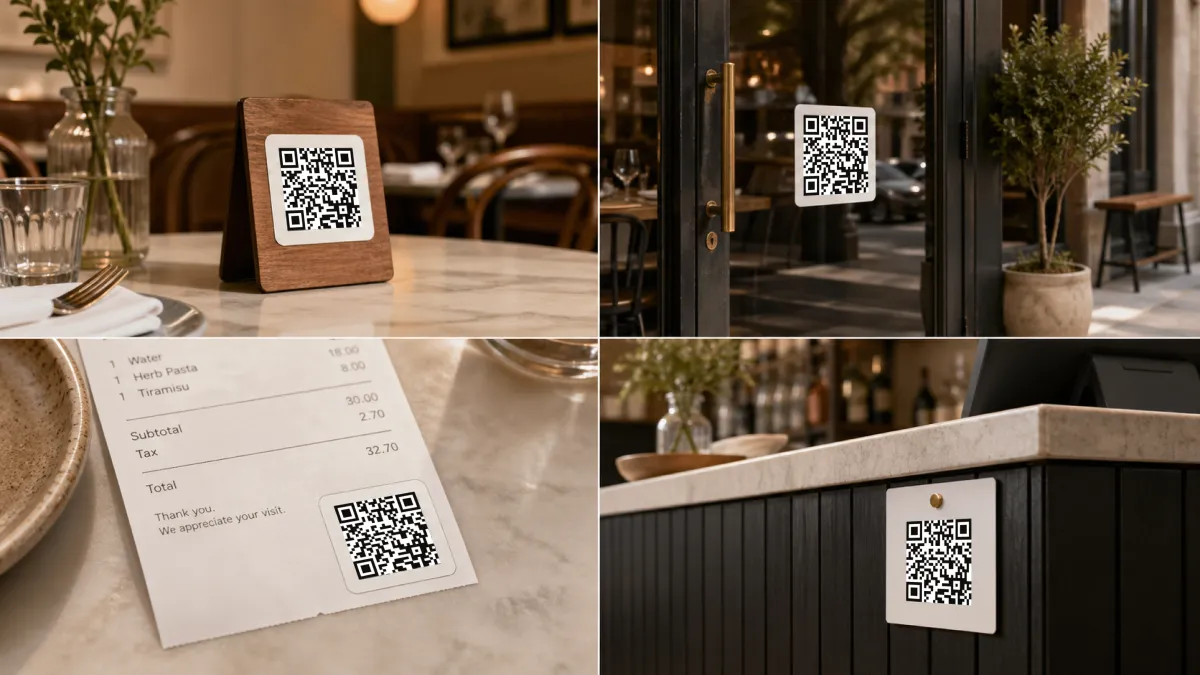
- Table tent or table sticker — the default. Eye level when seated. One per two-top, two per four-top.
- Receipt or check folder — for venues where guests scan to pay or reorder.
- Window decal — turns sidewalk traffic into menu views before the guest is seated.
- Counter card — for QSR, takeaway, and bar service.
- Google Business Profile + Instagram bio link — the digital placements many restaurants forget. The same QR menu URL works as a regular link on every social profile.
Avoid placing QR codes only on the back of a printed menu. Guests skim the front, decide, and rarely flip.
Step 6 — Train your staff
A 10-second script removes 90% of friction. Drill one line at the start of every shift:
"The full menu, with photos and translations, is on the QR code on your table — and we have a paper version if you'd prefer."
Three rules for staff:
- Always offer paper as an alternative. Required for accessibility, polite for older guests.
- Never apologize for the QR menu. Apologizing trains guests to ask for paper by default.
- Watch for confused phone behavior. A guest holding the phone too close, scanning twice, or not opening the camera is a cue to walk over and scan it for them.
Step 7 — Test on a real phone
Before the QR goes on every table, test the public menu on at least three phones:
- The menu loads in under 2 seconds on 4G.
- Categories are visible without scrolling, on a 4.7-inch screen.
- Item photos load progressively, not all-or-nothing.
- Required choices (size, options) are clear before adding to the order.
- The selected language persists when the guest navigates between categories.
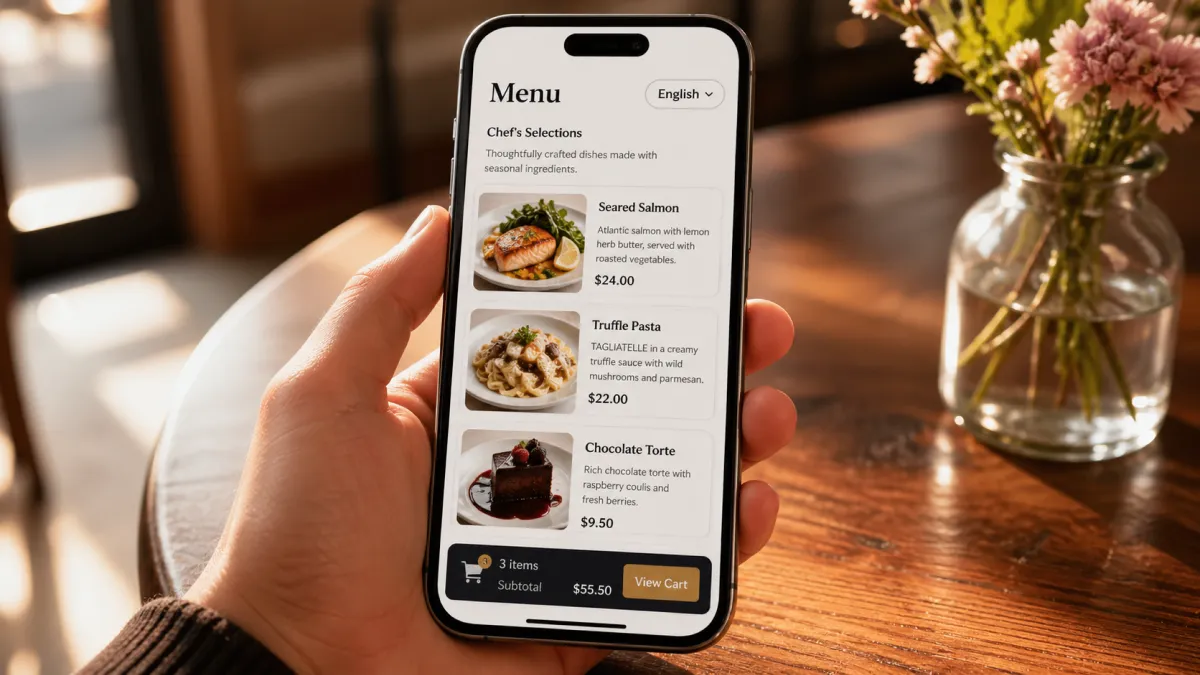
- The cart, if you have ordering, sits at the bottom of the screen and is reachable with one thumb.
If any of these fail, fix them before printing 200 table tents.
Step 8 — Measure scans and iterate
A QR menu without analytics is just a printed picture. The numbers worth watching weekly:
- Total scans vs. covers served — gives you a "QR penetration" rate.
- Scans per QR location — table vs. window vs. receipt. Reallocate where conversions are highest.
- Most-viewed items — these belong at the top of their category.
- Bounce on item page — guests opening an item and leaving without adding to cart usually means a missing photo or an unclear description.
- Language split — the share of Thai vs. English vs. other tells you whether translations are pulling their weight.
Restaurants that revisit their QR menu monthly outperform restaurants that publish once and forget — the same way a printed menu loses money when prices drift out of date.
Common mistakes that kill QR menu performance
- Printing a URL you cannot maintain. A static QR can keep opening an updated menu, but the encoded address must remain reachable.
- Tiny QR on a busy background. Even modern phones miss low-contrast codes.
- No fallback. Always offer a paper version on request.
- PDF instead of a real digital menu. PDFs zoom badly on phones, can't be searched, and can't be translated automatically.
- No analytics. You'll never know which dishes the QR is actually selling.
- Single language in a tourist market. Tourists who can't read the menu skip the high-margin items first.
- Treating the QR as a one-time setup. Menus drift; QR menus drift faster because they're invisible until a guest scans.
Final checklist
Before you call the QR menu "done," confirm:
- The address encoded in the QR stays reachable as menu content changes.
- Main QR uses the stable neutral
/r/{restaurantSlug}address; ordering cards use their assigned/r/{restaurantSlug}/t/{tableCode}address. Browser pages resolve to localized menu routes. - Categories ordered by guest reading flow, not by inventory order.
- Top sellers first inside each category.
- Photos only where they help.
- Allergen and dietary tags on every applicable item.
- At least two languages, three for tourist markets.
- QR placed at table eye level, plus window or receipt for traffic.
- Staff script in place.
- Mobile loads in under 2 seconds.
- Analytics turned on.
- Paper menu available on request.
Once that's done, the QR menu is a real working channel — not a sticker on a table.
Try iMango free — build a multilingual QR menu for your restaurant in under an hour.
Frequently Asked Questions (FAQ)
Q1: How do I create a QR code menu for free?
Sign up for a QR menu platform with a real free tier — one that includes a stable public URL, QR downloads and multilingual support. Build the menu, then print the generated QR. iMango's free plan covers a single restaurant end-to-end.
Q2: Are QR menus still used in 2026?
Yes. 75% of restaurants worldwide use QR menus, and 82% of guests prefer them to printed menus (Uniqode, 2025). Adoption grew 150% in the U.S. alone over the past two years.
Q3: Should I use a static or a dynamic QR code for my restaurant menu?
A static QR works for an editable menu when its encoded URL stays available. A dynamic QR encodes a managed redirect so you can change the destination behind that redirect. Neither lets you rewrite printed QR data. Menu changes at the same URL do not require a new code; address changes require preserving or redirecting the old URL, or reprinting.
Q4: Do I need to reprint QR codes after editing the menu?
No, when the printed address still reaches the menu. Adding items, changing prices and hiding sold-out dishes happen behind that URL. This also works with a static QR that directly encodes the stable menu address.
Q5: How big should a printed QR code menu be?
Start with a full-size proof suited to the placement, such as a 30 mm pattern at a table or 60 mm on a window sign, plus at least four modules of clear border on every side. Test the final print from the guest's actual position with several phones. These are starting recommendations, not experimentally proven minimum sizes.
Q6: Can a QR menu support multiple languages?
Yes, and it should — especially in tourist markets. A multilingual QR menu detects or lets the guest choose a language, then shows item names, descriptions, and option labels in that language. English plus your local language is the minimum; tourist-heavy locations should plan for three or more.
Q7: How much does a QR menu cost per month?
As checked on 13 October 2026, iMango's Free plan costs ฿0. Lifetime Unlock costs ฿500 once for its own single-restaurant entitlement set; it does not include custom public-menu themes and colors. Plus costs ฿500/month or ฿5,000/year, and Pro costs ฿900/month or ฿9,000/year. Use the free vs paid QR menu guide to match capacity to your restaurant, and check current pricing before buying.
Q8: Where should I place the QR code in my restaurant?
In order of impact: table tents at eye level, then receipts or check folders, then window decals visible from outside, then counter cards. Add the same URL to your Google Business Profile and Instagram bio so off-site traffic lands on the same menu.
Q9: Do QR menus work without internet on the guest's side?
The guest needs internet to load the menu the first time. After that, most modern QR menus cache assets so a brief connection drop won't break browsing. If your venue has weak signal, offer guest Wi-Fi at the table — restaurants with table Wi-Fi see noticeably higher QR menu engagement.
Q10: How long does it take to set up a QR menu for a restaurant?
For a small restaurant with a single menu, the full setup — audit, build, translate, generate, print, place, and test — runs about 30–60 minutes on a modern QR menu platform. The longest single step is photographing or curating dish images.