
May 6, 2026 · 11 min read
How a Digital Menu for Restaurants Transforms Dining
A digital menu for restaurants improves menu accuracy, guest confidence, multilingual service, average check potential, and long-term menu ROI.
iMango Team
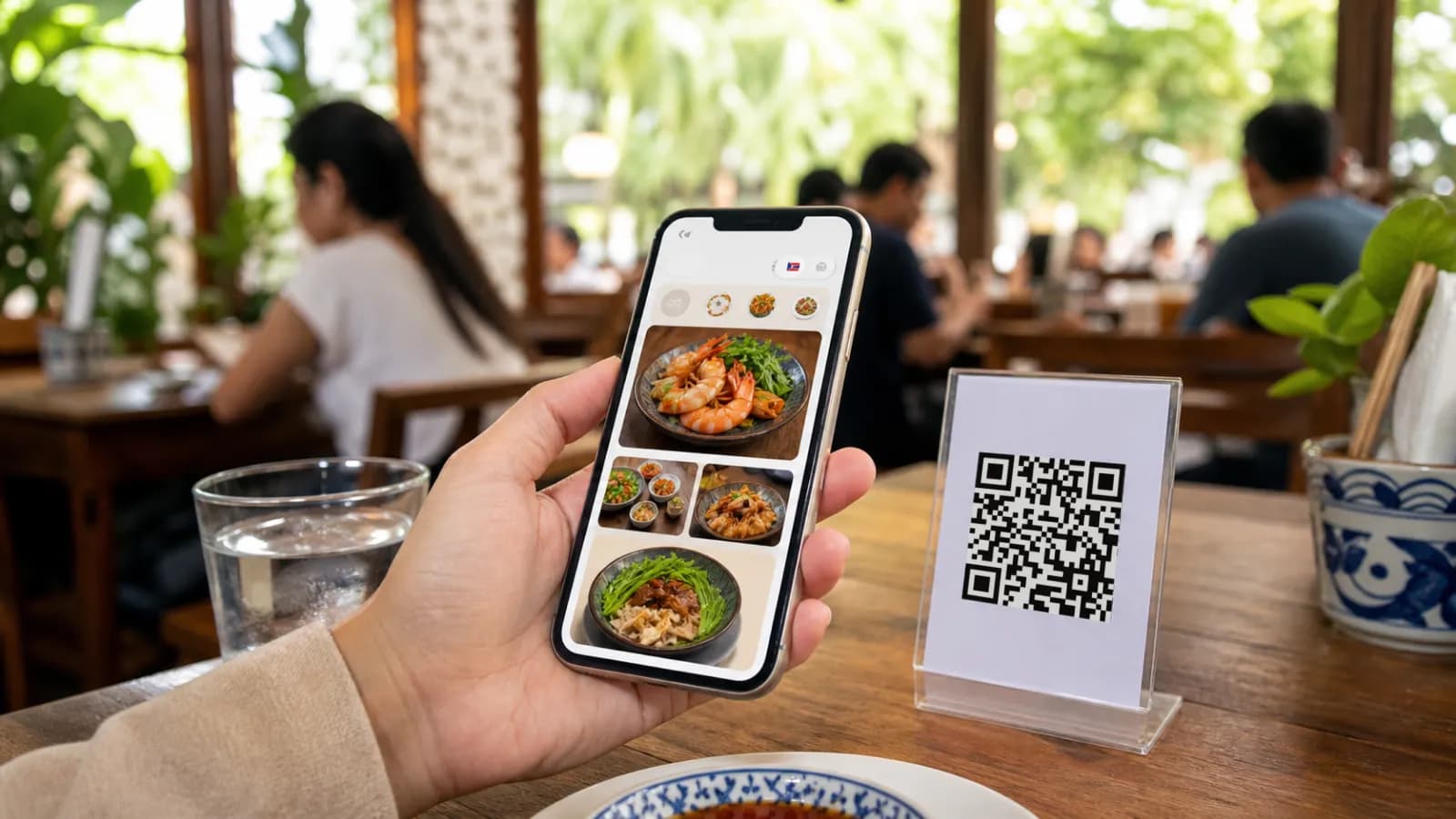
Short answer: a digital menu for restaurants transforms dining by making the menu accurate, mobile-friendly, multilingual, and easier to update. The best digital menus do not replace hospitality. They remove the small points of friction that make guests hesitate: old prices, sold-out dishes, unclear ingredients, missing translations, and menu layouts that are hard to read on a phone.
A restaurant does not become more modern just because the menu moved from paper to a screen. A bad PDF behind a QR code is still a bad menu. The real shift happens when the menu becomes a living part of the operation.
Paper menus freeze a restaurant at the moment they are printed. Digital menus let the restaurant keep up with the day.
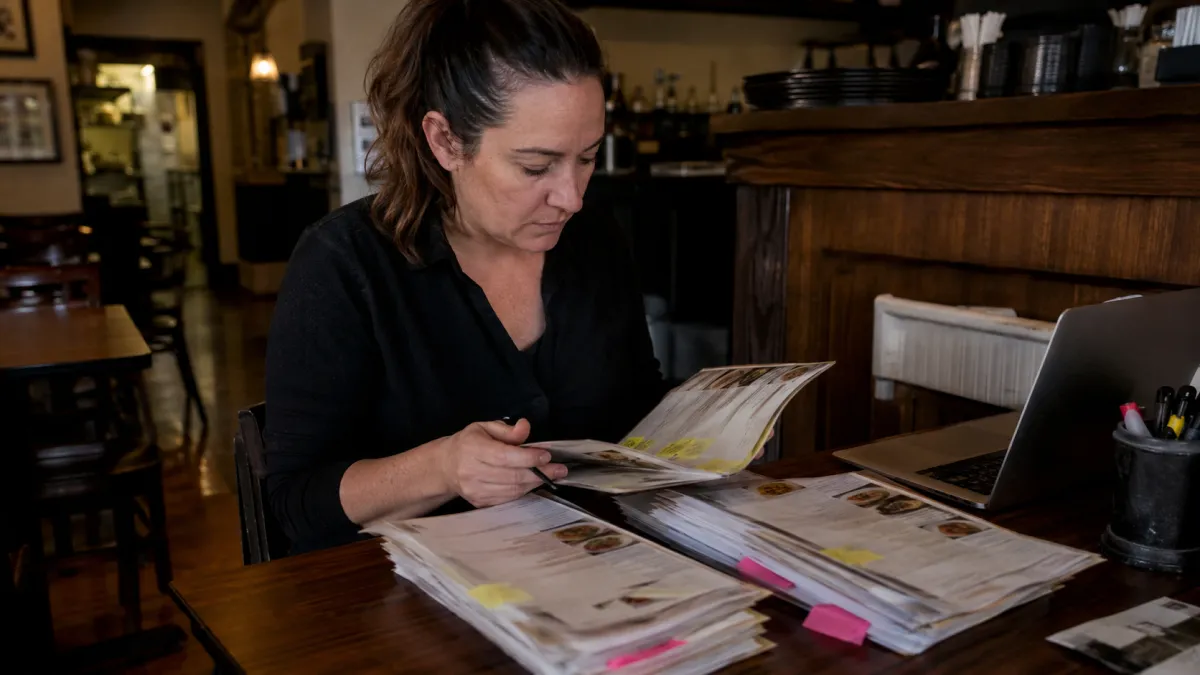
The persistent challenges with traditional paper menus
Paper menus feel familiar, and that matters. Many guests still like holding a physical menu. Some older guests prefer it. Some couples want to browse together without staring at separate screens. A good restaurant should respect that.
The problem is not paper itself. The problem is relying on paper as the only source of truth.
Traditional menus create five recurring issues:
| Paper-menu problem | What guests feel | What the restaurant absorbs |
|---|---|---|
| Prices change before menus are reprinted | Confusion or distrust | Staff explanations, reprint costs, awkward service |
| Items sell out during service | Disappointment | More apologies and slower ordering |
| Translations are limited | Uncertainty | Staff become live translators |
| Photos and details are missing | Guesswork | Guests avoid unfamiliar or higher-margin dishes |
| Menu changes take days or weeks | The offer feels stale | Slow testing, wasted seasonal opportunities |
These issues are small on their own. Together, they affect the dining experience at the exact moment guests decide what to order.
The National Restaurant Association's 2026 industry outlook describes a restaurant market still dealing with cost pressure, labor pressure, and a need for better guest connection through technology. In that environment, a menu that cannot be updated quickly becomes more than a design problem. It becomes an operational drag.
What a digital menu actually changes
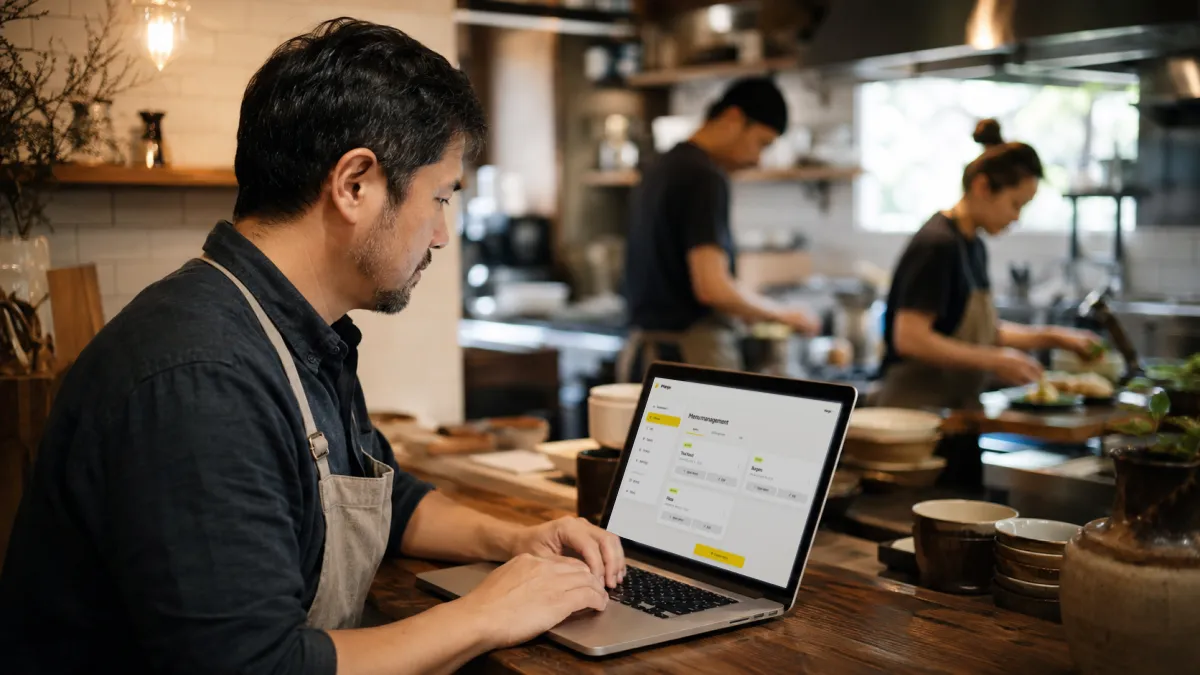
A digital menu is a mobile-friendly menu that opens from a stable link or QR code. The printed QR code stays in place; the menu behind it changes whenever the restaurant updates the workspace.
That sounds simple, but the operational difference is large.
A good digital menu lets a restaurant:
- update prices before service starts;
- hide sold-out items immediately;
- add a seasonal dish without waiting for print;
- show item photos where they help decision-making;
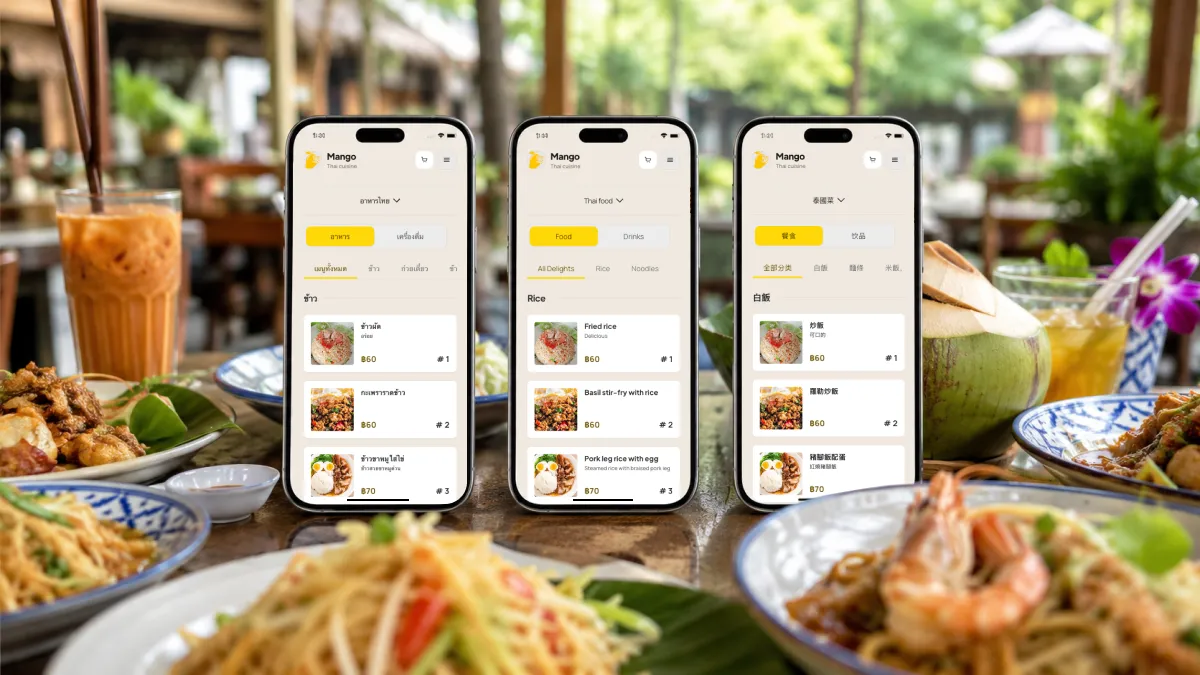
- publish Thai, English, Chinese, Russian, Korean, Japanese, or other translations;
- add allergens, spice levels, dietary tags, and option notes;
- keep one public menu URL for QR codes, Instagram, Google Business Profile, and hotel partners.
The guest sees a cleaner menu. The owner gets a faster way to manage what guests see. Staff spend less time explaining preventable mistakes.
That is the transformation: not "digital for the sake of digital," but a menu that matches the real pace of restaurant work.
Transitioning to a fully digital viewing solution
The safest way to move from paper to digital is not to throw away every printed menu on day one. It is to make the digital menu the most complete, current, and useful version of the menu, then keep a simple paper fallback for guests who want it.
For most restaurants, the transition has four steps.
1. Clean the menu before uploading it
For a practical starting point with paper pages, use the paper-menu photo import guide. It covers readable source images and the owner checks needed to turn an AI draft into an editable menu.
Do not digitize clutter. Remove items that are not actually sold, merge duplicate categories, and rewrite vague descriptions.
A good item should answer:
- What is it?
- How much does it cost?
- What is inside?
- Is it spicy?
- Is it vegetarian, vegan, gluten-free, or allergen-sensitive?
- What choices can the guest make?
- Is a photo useful here?
The digital menu will not fix a confusing menu strategy. It will make that strategy more visible.
2. Build for phones, not for PDFs
Guests do not want to pinch and zoom a print layout. They want tap-friendly categories, readable text, quick loading, and clear item pages.
The difference is easy to see:
| PDF menu on a phone | Mobile-first digital menu |
|---|---|
| Zooming and dragging | Thumb-friendly browsing |
| One static layout | Responsive item cards |
| Hard-to-read prices | Clear prices beside item names |
| No structured options | Sizes, toppings, spice level, and add-ons |
| Translation requires a separate file | Language switch or automatic locale handling |
If a guest has to work hard to read the menu, the technology has already failed.
3. Make QR optional but visible
QR adoption is strong, especially in markets where people already scan codes for payment. Thailand is a good example: DataReportal's Digital 2026 Thailand report estimates 67.8 million internet users and more mobile connections than people, while PromptPay and QR payment behavior have trained customers to scan codes in everyday life.
Still, forced QR-only service can backfire. Hospitality research has found that QR code menus can reduce loyalty when guests experience them as inconvenient. The practical answer is simple:
- put the QR code where guests look first;
- label it clearly: "Scan to view the menu";
- keep the page fast;
- train staff to offer a paper menu without judgment;
- make the digital menu better than the paper menu, not the only option.
This approach keeps the benefits of digital without turning the menu into a test of guest patience.
4. Train staff with one sentence
A digital menu works better when staff introduce it calmly:
"The full menu with photos and translations is on the QR code, and we also have a paper menu if you prefer."
That one sentence solves two problems. It tells guests why scanning is useful, and it reassures guests that the restaurant is still hospitable.
Real customer reactions and feedback
Customer reactions to digital menus are not all the same. That is why generic claims like "everyone prefers QR menus" are not very useful.
In practice, guests tend to split into four groups.
| Guest type | What they like | What can frustrate them |
|---|---|---|
| Tourists | Translation, photos, dish clarity | Missing languages or slow pages |
| Regular local guests | Fast access and current prices | QR-only service when they expected paper |
| Younger mobile-first guests | Browsing without waiting | Poor UX, too many taps |
| Older or accessibility-sensitive guests | Clear text if the page is designed well | Small text, weak contrast, no paper fallback |
The pattern is clear: guests do not love a QR code because it is a QR code. They like digital menus when the menu answers questions faster than a printed menu does.
For a tourist in Bangkok, Phuket, Chiang Mai, Pattaya, or Koh Samui, that may mean seeing a Thai dish in English, Chinese, Russian, Korean, or Japanese. For a guest with a food allergy, it may mean finding allergen notes without a long conversation at a busy table. For a regular customer, it may mean checking today's special before the server arrives.
The best feedback is usually quiet. Fewer confused questions. Faster decisions. Fewer "what is this?" moments. More confidence ordering dishes guests might otherwise skip.
The positive impact on average check size
A digital menu does not increase average check by magic. It increases average check when it improves the quality of the ordering decision.
The main drivers are practical:
Better photos increase confidence
Photos help most when the dish is unfamiliar, visual, premium, or hard to describe. A guest who has never tried khao soi, som tam with salted crab, or a signature dessert is more likely to order when the menu shows what to expect.
Hospitality and marketing research on digital menus points in the same direction: digital presentation can help guests evaluate less-familiar items and reduce the time needed to decide.
Clear add-ons make upsells feel natural
Upselling works best when it feels like choice, not pressure.
A digital item page can show:
- add avocado;
- choose oat milk;
- add grilled shrimp;
- pick spice level;
- choose small, regular, or large;
- add dessert as a set.
When options are visible at the right moment, the guest does not need a server to remember every add-on. The menu does the quiet work.
Translations make higher-margin items less risky
Tourists often order safely when they do not understand the menu. They choose the familiar item, the cheapest item, or the dish with the clearest English name.
A multilingual digital menu changes that. If a guest can understand the ingredients, portion, spice level, and photo, a premium local dish becomes less risky.
That is where iMango's product value fits naturally: a restaurant can keep the menu mobile-first, editable, and multilingual without hiring a developer or reprinting every time something changes. See what a digital restaurant menu looks like for guests.
The positive impact on table turnover
Table turnover is more complicated than average check. A view-only digital menu will not automatically make tables turn faster. If a restaurant still takes orders and payments manually, the biggest bottlenecks may remain elsewhere.
But a digital menu can still reduce wasted minutes at the beginning of the meal:
- guests can open the menu before the server arrives;
- tourists can read descriptions without waiting for translation;
- sold-out items disappear before guests choose them;
- staff answer fewer basic questions;
- groups can browse on multiple phones at once.
In full ordering or payment systems, QR flows can also reduce wait time for reorders and checkout. For a view-first digital menu, the strongest claim is narrower and more honest: it reduces menu friction, which helps service move more smoothly.
That distinction matters. Overpromising table-turnover gains makes the article sound like vendor copy. A credible restaurant owner will trust the more precise argument.
To add guest submissions without connecting a POS, follow the standalone QR table ordering procedure. Its worked table example keeps kitchen handoffs, second rounds, bill requests and manual cashier reconciliation explicit.
Calculating the long-term ROI of digital menus
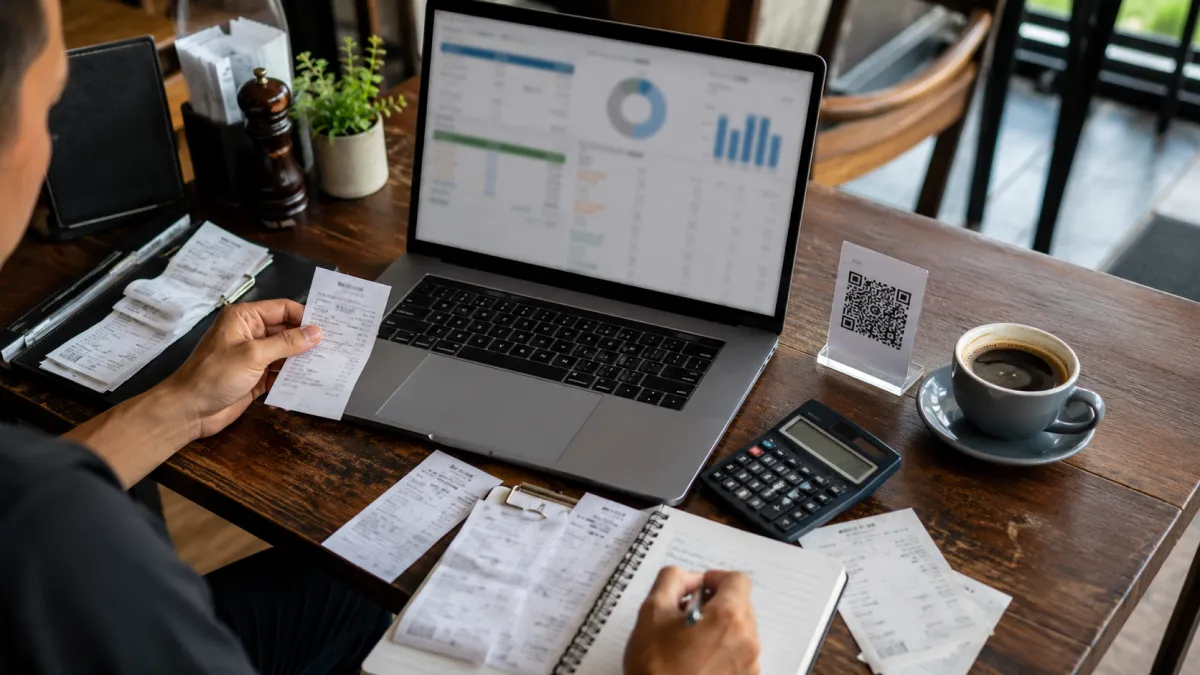
The ROI of a digital menu is not just "printing cost saved." Printing is part of it, but the larger value often comes from fewer mistakes, faster updates, better tourist conversion, and menu insight.
Use this simple model:
Monthly digital menu ROI =
printing savings
+ extra gross profit from higher average check
+ recovered sales from better translations and clearer items
+ staff time saved
- monthly software cost
Here is a conservative example for a small restaurant:
| Input | Conservative assumption |
|---|---|
| Orders per month | 1,200 |
| Average check | 350 THB |
| Gross margin | 65% |
| Digital menu impact on average check | +2% |
| Monthly extra revenue | 8,400 THB |
| Extra gross profit | 5,460 THB |
| Printing avoided | 1,000 THB |
| Software cost | 0-500 THB/month |
| Estimated monthly net benefit | 5,960-6,460 THB |
This example does not require a dramatic sales lift. A 2% average-check improvement can come from better photos, clearer add-ons, and fewer guests avoiding unfamiliar items. For a tourist-heavy restaurant, multilingual clarity can matter even more.
The important point is to measure from the restaurant's real numbers:
- What do you spend on printing each month?
- How many orders do you serve?
- What is your average check?
- Which items have high margin but low confidence?
- Which guest languages appear most often?
- How many menu changes happen per month?
If the digital menu helps with even two or three of those areas, the payback period is often short.
To choose the software cost for your own calculation, use the free vs paid QR menu worksheets. They match actual restaurant capacity to current iMango plans and compare billing periods without assuming printing savings or a sales increase.
What to look for in a digital menu platform
The platform matters more than the QR code. A QR code is just the doorway. The menu behind it determines whether guests stay, understand, and order confidently.
For most restaurants, the practical checklist is:
- stable public URL;
- dynamic QR code;
- mobile-first layout;
- fast loading on cellular networks;
- multilingual item names and descriptions;
- photos, prices, categories, and option groups;
- sold-out or hidden item controls;
- allergen and dietary notes;
- easy admin editing for non-technical owners;
- pricing that fits small restaurants.
For iMango, the strongest product promise should stay simple: create a restaurant menu, edit it when reality changes, publish it under a stable QR link, and help guests understand the menu in their language.
That is enough. Restaurants do not need another complicated system before they have a clean, current, readable menu.
The bottom line
A digital menu for restaurants transforms dining when it makes the menu more accurate for the owner and easier to understand for the guest.
It helps staff spend less time explaining preventable problems. It helps tourists order with confidence. It lets owners update prices, hide sold-out dishes, and test new items without waiting for print. It can support higher average check and smoother table flow, but only when the content is clear and the mobile experience is fast.
The QR code is not the product. The product is a menu that keeps up with the restaurant.
FAQ
What is a digital menu for restaurants?
A digital menu for restaurants is a mobile-friendly online menu that guests open from a QR code or public link. Unlike a PDF menu, a good digital menu is structured into categories, items, prices, photos, options, translations, and availability controls.
Are digital menus better than paper menus?
Digital menus are better for updates, translations, mobile browsing, and menu accuracy. Paper menus are still useful as a fallback for accessibility and guest preference. The best setup is usually digital-first, not paper-hostile.
Can a digital menu increase average check size?
Yes, but not automatically. Average check can improve when the digital menu shows clear photos, add-ons, sizes, set options, and translations that help guests choose confidently. The impact depends on menu design, traffic, pricing, and staff workflow.
Does a digital menu improve table turnover?
A digital menu can reduce time lost to waiting for menus, translation questions, sold-out item confusion, and group browsing. A view-only digital menu mainly reduces menu friction; stronger turnover gains usually require ordering or payment flows as well.
How do restaurants calculate digital menu ROI?
Start with printing savings, extra gross profit from any average-check increase, recovered sales from better translation and item clarity, staff time saved, and software cost. Use real monthly order count and average check instead of generic vendor benchmarks.