
May 7, 2026 · 12 min read
Multilingual QR Menu: Boost Tourist Restaurant Sales
A multilingual QR menu helps tourists understand dishes, choose add-ons, avoid language friction, and order with more confidence.
iMango Team
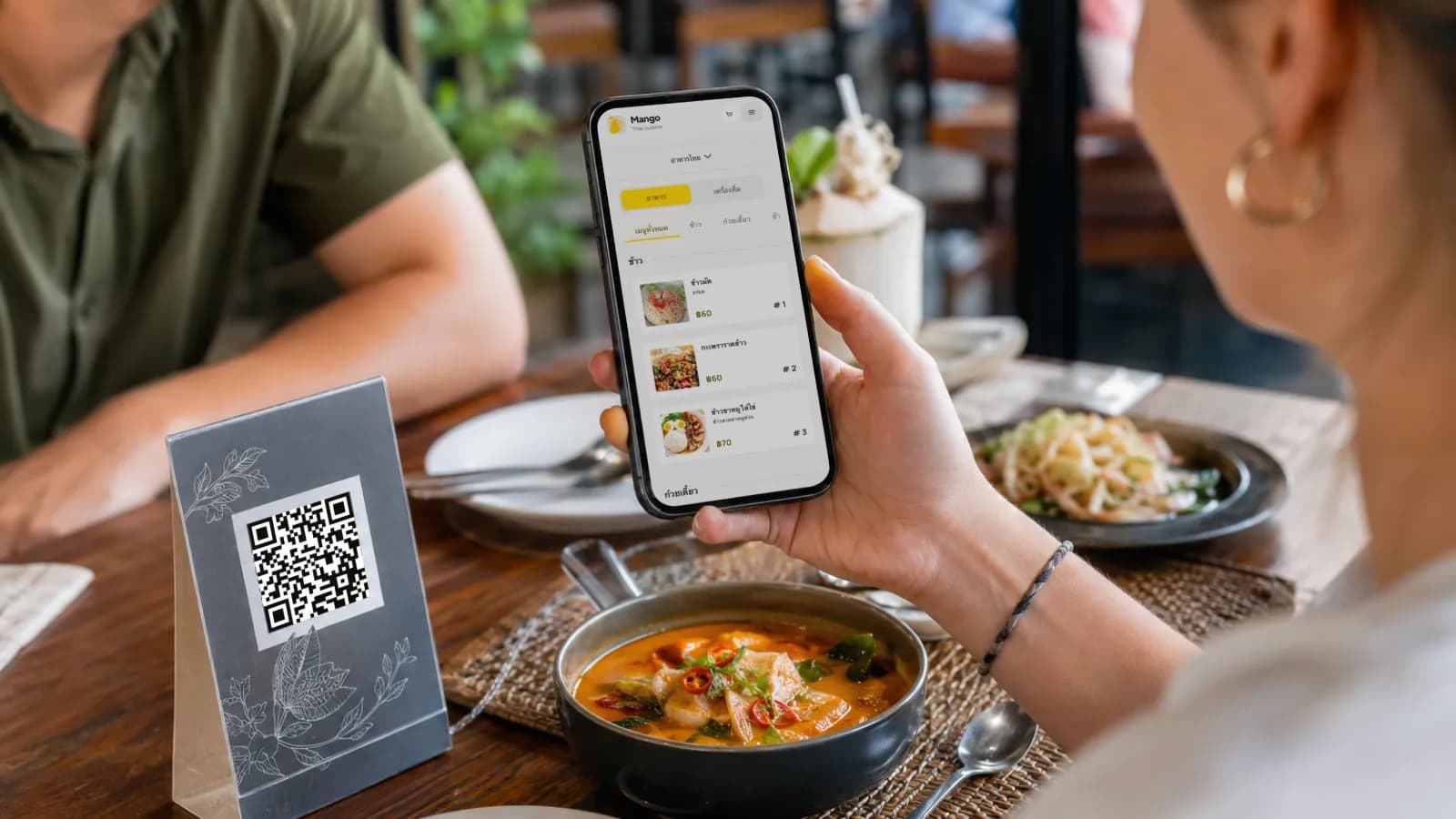
Short answer: a multilingual QR menu helps tourist-heavy restaurants sell more confidently by removing the language friction that makes guests choose the safest, cheapest, or most familiar item. When tourists can read dish descriptions, see photos, understand allergens, and choose options in their own language, they are more likely to explore the menu instead of pointing at the first thing they recognize.
That does not mean translation is magic. A bad translation can create confusion just as quickly as a paper menu can. The sales lift comes from a better ordering moment: less uncertainty, clearer choices, easier add-ons, and fewer awkward conversations at a busy table.
For restaurants in Thailand, this matters every day. Thailand welcomed 32,974,321 foreign tourists in 2025, with Malaysia, China, India, Russia, and South Korea as the five largest source markets. The Tourism Authority of Thailand is targeting 36.7 million foreign arrivals in 2026. A restaurant in Bangkok, Phuket, Pattaya, Chiang Mai, Koh Samui, a hotel zone, or a night-market district is not serving one "tourist language." It is serving a rotating mix of languages, habits, diets, and expectations.
A multilingual QR menu is one of the simplest ways to meet that reality without asking every server to become a translator.
The language barrier challenge in hospitality
Language barriers do not always look dramatic. Most guests will not complain. They will quietly order less.
A tourist who cannot read the menu may do one of five things:
- choose a familiar item instead of a signature dish;
- avoid add-ons because the options are unclear;
- skip dishes with unknown ingredients;
- ask the server to explain everything, slowing down service;
- leave for a restaurant where the menu feels easier.
For the restaurant, those moments are almost invisible. The guest may still be polite. The table may still spend some money. But the restaurant loses the higher-margin dish, the second drink, the dessert, the set upgrade, or the return visit.
The challenge is larger than translating "Pad Thai" into another language. Menu translation research from the University of Stirling points out that translations often fail when they omit ingredients, cooking methods, or cultural meaning. In restaurant terms, that means a tourist may see a translated dish name but still not know what they are ordering.
For example:
| Weak translation | Better tourist-friendly version |
|---|---|
| Morning glory | Stir-fried water spinach with garlic and chili |
| Seafood sauce | Spicy Thai lime, chili, and garlic dipping sauce |
| Boat noodles | Rich Thai noodle soup with herbs, pork or beef, and dark broth |
| Yum | Spicy and sour Thai salad dressing |
| Nam prik | Thai chili relish served with vegetables or fish |
This is why a multilingual QR menu should translate meaning, not just words.
What is a multilingual QR menu?
A multilingual QR menu is a mobile-friendly restaurant menu that guests open by scanning a QR code and can view in more than one language. The same table QR code can show Thai, English, Russian, Chinese, or another enabled language depending on the restaurant setup and the guest's selection.
A proper multilingual QR menu includes:
- translated category names;
- translated item names;
- short translated descriptions;
- translated option labels, such as size, toppings, milk type, spice level, or doneness;
- allergen and dietary notes;
- item photos where they help the guest decide;
- a visible language switcher;
- a stable public URL that keeps working after edits.
The QR code is only the entry point. The real value is the structured digital menu behind it.
That matters because many restaurants still use a PDF behind a QR code. A PDF can be useful as a quick backup, but it is weak for tourist sales. Guests have to pinch and zoom. Language switching is clumsy. Options are not structured. A sold-out dish may remain visible until the next file is uploaded. Analytics are limited. The menu feels like paper squeezed into a phone.
A multilingual QR menu should feel native to the phone. It should let the guest scan, choose a language, browse categories, open item details, understand the dish, and decide without needing an app download.
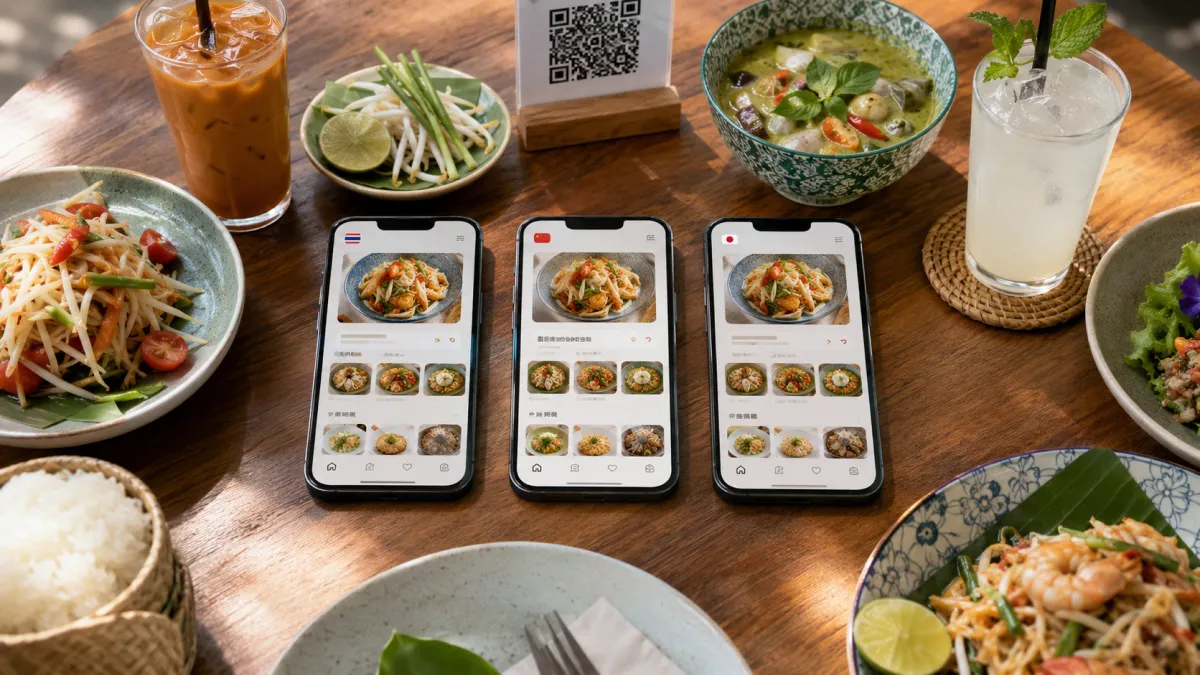
How automatic translation can increase overall order size
No honest restaurant software should promise that translation alone will increase every order. Average order size depends on traffic, menu design, cuisine, pricing, staff, photos, and the type of guest.
But automatic translation can support a higher order size when it helps tourists understand what they might otherwise skip.
The mechanism is simple:
| Guest friction | What translation fixes | Sales effect |
|---|---|---|
| "I do not know what this dish is." | Clear description with ingredients and cooking method | More confidence to try local or signature dishes |
| "I cannot understand the choices." | Translated option groups and add-ons | More upgrades, toppings, sides, and set choices |
| "I am worried about allergens." | Allergen and dietary notes in the guest's language | Less avoidance of unfamiliar dishes |
| "I do not want to bother the server." | Self-service menu clarity | More browsing before the server returns |
| "The menu is too hard." | Language switcher, photos, short labels | Lower chance of ordering only the safest item |
Hospitality research on QR code menu satisfaction supports this direction. A 2026 International Journal of Hospitality Management study found that information quality and interactive experience quality strongly affect QR menu satisfaction and behavioral intention. In plain language: a digital menu works better when it gives guests useful, clear, decision-making information.
Automatic translation helps because it turns the base menu into a usable first draft for multiple languages. The restaurant still needs judgment.
Use automatic translation for:
- first-pass item descriptions;
- category names;
- option labels;
- basic dietary notes;
- seasonal updates that would otherwise stay untranslated.
Review manually for:
- signature dishes;
- culturally specific dish names;
- allergy-sensitive descriptions;
- jokes, idioms, or brand voice;
- premium dishes where the wording affects perceived value.
The best workflow is not "AI translates everything and the team forgets it." The best workflow is: translate quickly, review the items that matter most, publish, and improve based on what guests actually view.
That is a practical fit for iMango: restaurant owners can manage multilingual fields in one admin workspace, use translation help when needed, keep the same QR code, and update guest-facing content without calling a designer or reprinting menus. Learn how to translate a restaurant menu without losing control of the wording.
Best practices for displaying multiple languages intuitively
A multilingual menu can fail if the language UX is confusing. The guest should not need to understand the current language before they can change it.
1. Put the language switcher where thumbs can find it
On mobile, language switching should be visible near the top of the menu or in a persistent menu control. Do not bury it at the bottom of a long page.
Use recognizable language labels:
| Language | Good label |
|---|---|
| Thai | ไทย |
| English | English |
| Russian | Русский |
| Chinese | 中文 |
Flags can help in some contexts, but they are not a complete language system. A flag may represent a country, not a language. Text labels are clearer.
2. Do not show every possible language
More languages are not always better. Too many options make the menu feel messy and can create translation maintenance work.
Start with the languages your guests actually use:
| Restaurant type | Recommended starting languages |
|---|---|
| Local Thai restaurant with some tourists | Thai + English |
| Bangkok tourist area | Thai + English + Chinese or Russian |
| Phuket, Pattaya, Koh Samui beach venue | Thai + English + Russian + Chinese |
| Hotel restaurant | Thai + English + Chinese + a language based on guest mix |
| International cafe or bar | English + Thai + languages visible in reviews and guest traffic |
iMango currently supports 15 restaurant menu content languages, including Thai, English, Russian, Chinese, Korean, Japanese, French, German, Spanish, Italian, Portuguese, Turkish, Vietnamese, Hindi, and Khmer. Restaurants should still start with the languages their guests actually use.
3. Keep descriptions short and useful
Tourists do not need a paragraph for every dish. They need enough information to choose.
A good translated description often follows this pattern:
What it is + key ingredients + flavor/spice cue + optional dietary noteExample:
Grilled pork skewers with coconut milk marinade, served with sticky rice and spicy tamarind dip.That is more useful than:
Our beloved local classic prepared with traditional flavor.The second version sounds pleasant, but it does not help a guest decide.
4. Translate options, not only menu items
Options are where order size often changes. If a tourist understands the add-ons, they are more likely to use them.
Translate:
- size choices;
- toppings;
- sauce choices;
- milk choices;
- sweetness level;
- spice level;
- protein choices;
- set or combo upgrades;
- preparation style;
- side dishes.
If the item is translated but the options are not, the sales path breaks at the exact moment the guest is deciding whether to spend more.
5. Use photos where translation is not enough
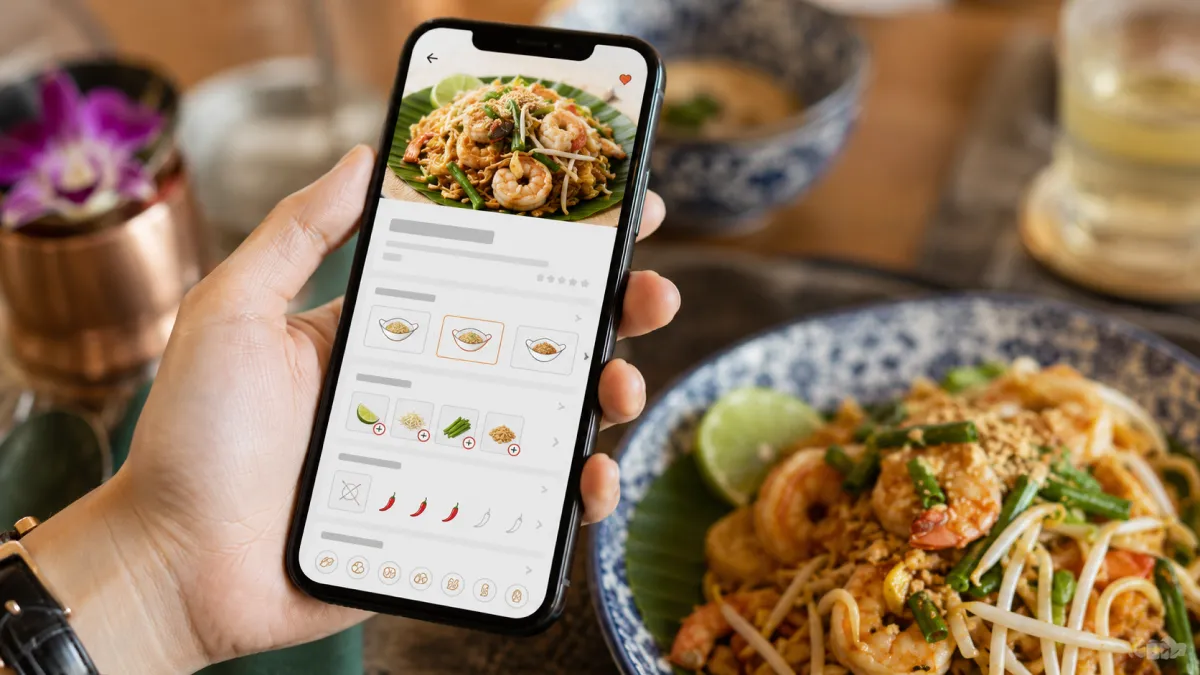
Some dishes are hard to translate because the cultural context does not fit into a short phrase. Photos help.
The University of Stirling menu translation research argues for a multimodal approach, including image-based support, especially when dish names are culturally specific. Restaurant owners already know this from experience: tourists order unfamiliar food more confidently when they can see it.
Use photos for:
- signature dishes;
- unfamiliar local dishes;
- high-margin items;
- shareable platters;
- desserts and drinks;
- dishes with unusual texture or presentation.
Skip photos when they are dark, blurry, misleading, or worse than the dish looks in real life.
6. Preserve hospitality with a paper fallback
A multilingual QR menu should make the restaurant easier to use. It should not become a test that every guest has to pass.
Keep a small number of paper menus available. Train staff to say:
"The QR menu has photos and translations, and we also have a paper menu if you prefer."
That line protects older guests, low-battery phones, accessibility needs, and anyone who simply prefers paper. A good QR menu improves hospitality; it does not replace it.
Getting started with a localized digital menu
You do not need to localize everything on day one. Start with the parts that affect ordering decisions.
Step 1: Choose the base language
Use the language your team controls best. For many Thai restaurants, that is Thai. For international restaurants, it may be English.
Clean the base menu first:
- remove unavailable items;
- standardize category names;
- shorten descriptions;
- add prices;
- define options;
- add allergen notes where relevant;
- choose which items need photos.
Bad source text creates bad translations. Fix the base menu before translating.
Step 2: Pick the first translation language
For Thailand, English is usually the first translation. After that, choose based on real demand.
Look at:
- top tourist nationalities in your area;
- Google reviews and booking messages;
- staff questions during service;
- hotel guest mix;
- tour group traffic;
- language selection data from your QR menu if available.
Thailand's 2025 source markets show why this matters: Malaysia, China, India, Russia, and South Korea all brought large visitor numbers. A restaurant near a beach resort may need Russian and Chinese before it needs Japanese. A hotel cafe may see a different mix.
Step 3: Translate the fields that sell
Start with:
- category names;
- item names;
- short descriptions;
- option labels;
- spice level;
- allergen notes;
- dietary tags;
- sold-out or unavailable labels.
Then review high-impact items:
- best sellers;
- premium dishes;
- local dishes tourists ask about;
- add-ons and upgrades;
- items with allergy risk.
This gives you most of the sales benefit without creating an endless translation project.
Step 4: Test the guest journey on real phones
Before printing QR codes everywhere, test:
- Scan the QR from the table distance.
- Switch language without help.
- Open a category.
- Open a signature dish.
- Read the description.
- Check the options.
- Return to the menu.
- Repeat on an older Android phone and an iPhone.
Thailand is highly mobile-ready. DataReportal's Digital 2026 Thailand report lists 67.8 million internet users and 96.6 million mobile connections in late 2025. But readiness does not excuse a slow or confusing menu. A tourist with patchy roaming data still needs a fast page.
Step 5: Print the QR with a clear promise
The text around the QR matters. "Scan me" is weaker than a useful promise.
Use:
Scan for menu, photos, and translationsOr, in Thai:
สแกนเพื่อดูเมนู รูปภาพ และคำแปลIf the restaurant serves many tourists, add English under Thai. If the QR is on a window, add a short URL as a backup.
Step 6: Improve monthly
A multilingual QR menu gets better with use.
Each month, check:
- which languages guests select;
- which items tourists open often;
- which premium items get views but few orders;
- which questions staff still answer repeatedly;
- which translations sound awkward;
- which photos need replacement.
Then improve the menu. Move high-interest items higher. Rewrite unclear descriptions. Add missing option translations. Add a photo to the dish tourists keep asking about.
The point is not to finish the menu forever. The point is to make the menu easier every month.
Why this matters for tourist sales
Tourist sales are not only about attracting more people through the door. They are also about helping the people already seated order with less hesitation.
A multilingual QR menu helps because it gives tourists three things at once:
- Confidence - they understand what they are ordering.
- Control - they can browse without pressure.
- Curiosity - they can try local dishes that would otherwise feel risky.
That is where the revenue opportunity lives. Not in the QR code itself, but in clearer decisions.
For a Thai restaurant, a tourist-friendly digital menu can make a signature curry, seafood platter, tasting set, cocktail, dessert, or add-on feel easier to choose. For staff, it reduces repeated translation work. For the owner, it keeps the menu editable and measurable.
A multilingual QR menu is not a replacement for good service. It is a way to make good service easier to deliver.
Try iMango free - create a mobile-first QR menu, manage translations, and help international guests order with confidence.
Frequently Asked Questions
What is a multilingual QR menu?
A multilingual QR menu is a mobile-friendly restaurant menu that guests open by scanning a QR code and can view in more than one language. It should include translated categories, item names, descriptions, options, allergens, and a clear language switcher.
How does a multilingual QR menu help tourist restaurants sell more?
It helps tourists understand unfamiliar dishes, choose add-ons, avoid allergy confusion, and browse without waiting for staff translation. This can support higher order size when the menu uses clear descriptions, useful photos, and translated options.
Does automatic translation guarantee a higher average order size?
No. Automatic translation does not guarantee a sales lift by itself. It can help when it improves menu clarity, but restaurants should review high-value dishes, allergy-sensitive wording, and culturally specific items before publishing.
Which languages should a restaurant in Thailand support?
Most tourist restaurants in Thailand should start with Thai and English. Depending on location and guest mix, Chinese, Russian, Korean, Japanese, German, or French may be useful. iMango currently supports 15 restaurant menu content languages, with active public languages depending on the plan.
Is a PDF QR menu enough for tourists?
A PDF QR menu is usually weaker than a structured digital menu. PDFs are harder to read on phones, do not handle language switching well, and make options, allergens, and updates harder to manage.
What should be translated first on a restaurant menu?
Translate the fields that affect ordering decisions first: category names, item names, short descriptions, option labels, spice levels, allergen notes, dietary tags, and sold-out labels.